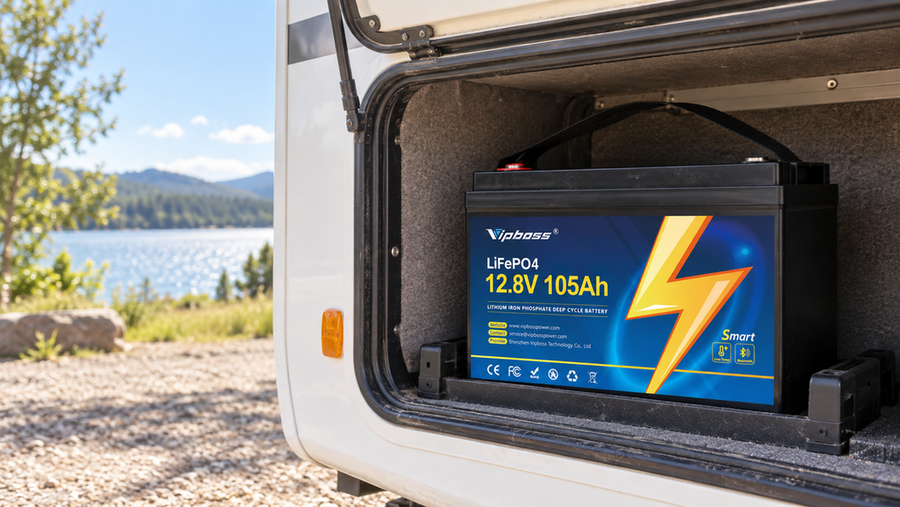

If your VIPBOSS 12V 105Ah battery has stopped supplying power, disconnect its loads and charger first, then check any status or protection information the Bluetooth app provides. Remove the suspected fault before trying to wake the battery. A low-voltage shutdown usually needs a compatible 12V LiFePO4 charger with a wake-up or 0V activation mode; a temperature or overcurrent shutdown must be cleared before charging. Stop instead of resetting if the battery is swollen, leaking, unusually hot, burnt, or physically damaged.
Read the protection state before trying a reset
A battery in BMS protection can look dead because its battery management system has disconnected charging, discharging, or both. That does not tell you which condition caused the shutdown.
If the app still connects, record the voltage, current, status, and any protection alert it actually displays. App screens and available alerts vary, so use the battery manual to interpret the information rather than assuming that the app identifies every protection cause. If the app does not connect and you are comfortable using a multimeter, check the voltage directly at the battery terminals. A very low or zero terminal reading can occur while the BMS has output switched off, so it is not proof that the cells are empty or permanently damaged.
Before continuing, work in a dry, ventilated place. Remove metal jewelry and keep tools from bridging the terminals. Do not open the battery case or bypass the BMS.
Remove the condition that caused the shutdown

The correct recovery step depends on the warning or on what happened immediately before power stopped.
- Low voltage after the battery was discharged: Turn off and disconnect every load. A light, inverter, controller, or other device left connected can pull the battery back into protection as soon as it wakes.
- Low-temperature charging: Stop charging and let the battery warm naturally. The VIPBOSS battery is specified to stop charging below 32°F (0°C) and resume at 41°F (5°C). Do not use a heat gun, open flame, or uncontrolled heater.
- High temperature: Disconnect charging and loads, then let the battery cool in a ventilated area. Do not charge it while it remains hot.
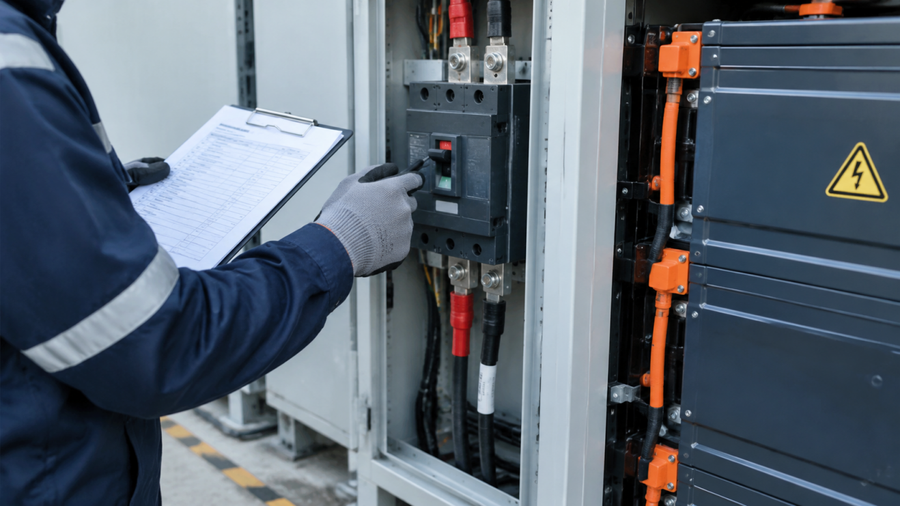
- Overcurrent or short circuit: Disconnect all loads and inspect the cables, terminals, fuses, and connected equipment. Repair a loose connection, damaged cable, reversed connection, or short before reconnecting. If the cause is not visible, have the wiring checked rather than repeatedly resetting the battery.
- High voltage while charging: Disconnect the charger. Confirm that it has a LiFePO4 profile and is set within the battery's specified 14.2–14.6V charge range before using it again. If the warning returns near full charge, stop retrying and diagnose the high-voltage charging shutdown instead of raising the charge voltage.
After an overcurrent, temperature, or high-voltage event, the BMS may restore normal output once the cause is gone and the battery has rested. If output returns, skip the wake-up charge and move to the recovery check below.
Wake a low-voltage battery with the right charger
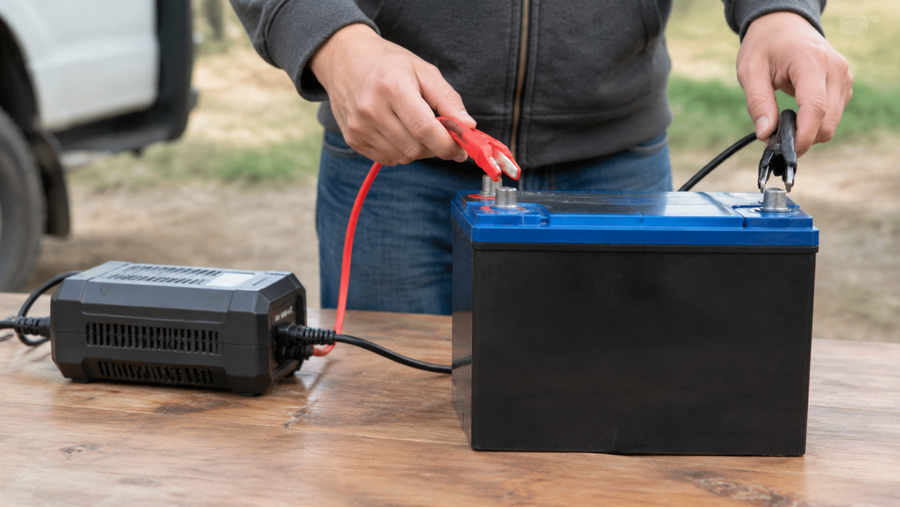
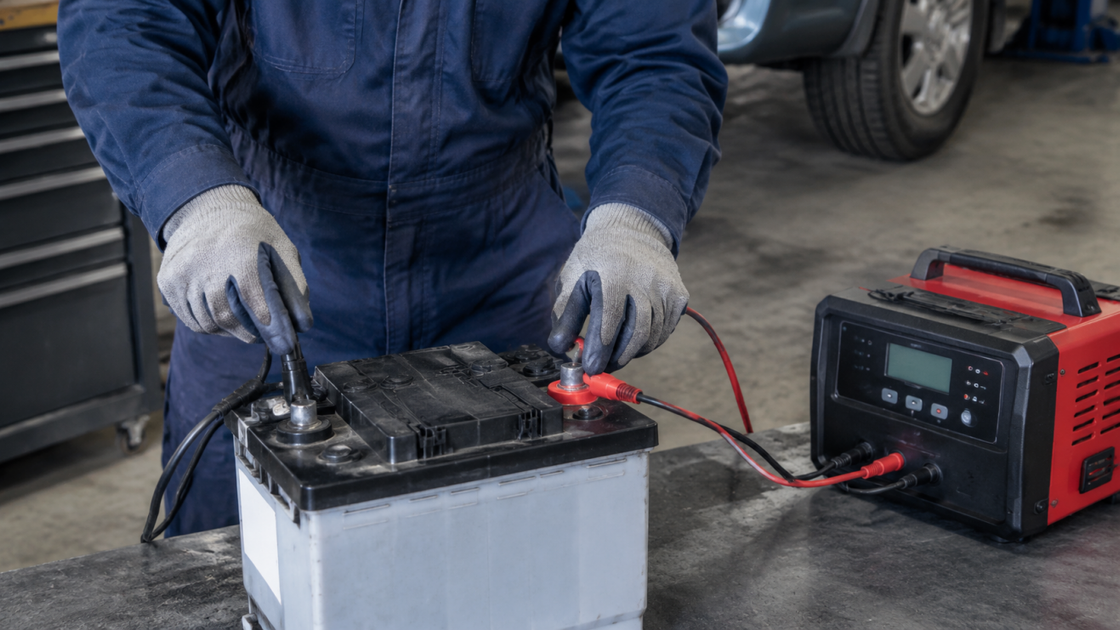
Use a charger made for a 12V LiFePO4 battery. It should have a lithium wake-up, recovery, or 0V activation function. A standard automatic charger may report “no battery” because it cannot see voltage through the disconnected BMS.
- Confirm that all loads are disconnected and the battery is within its allowed charging temperature.
- Set the charger to its 12V LiFePO4 mode. Check polarity carefully, then follow the charger's connection order.
- Start the wake-up or 0V activation function. Watch the app or charger display for charging current, a rising voltage, or the low-voltage warning clearing.
- Once the battery accepts a normal charge, let the compatible charger continue. Do not treat the battery's maximum charge-current rating as a target for recovery.
Do not substitute a vehicle jump starter, connect a random donor battery, or apply an unregulated power supply. Those methods can produce uncontrolled current and may bypass the safeguards provided by a proper recovery charger.
If your present charger cannot detect the protected battery, the next practical choice is a charger with LiFePO4 wake-up support or model-specific help for the VIPBOSS 12V 105Ah battery. Its 100A BMS rating is only one system constraint; load surge, cable, terminals, external protection, and connected-equipment limits still have to be compatible. Its cold-charge cutoff also means a charger cannot wake it while the battery is below the permitted temperature.
Confirm that the battery has recovered
Recovery is complete only when the protection warning has cleared, the battery accepts a normal charge, and output remains available after the charger is removed.
Reconnect one small, known-good load first. If the battery supplies it without another warning, reconnect the remaining system loads one at a time. An immediate repeat trip points to the load, wiring, charger settings, temperature, or a battery fault that has not been corrected.
Stop and contact VIPBOSS support or a qualified battery technician if the BMS warning will not clear, the charger cannot begin recovery, the battery becomes hot, or protection returns with all external loads removed. Repeated resets are not a repair for damaged wiring, a faulty charger, an oversized load, or an internal battery problem.