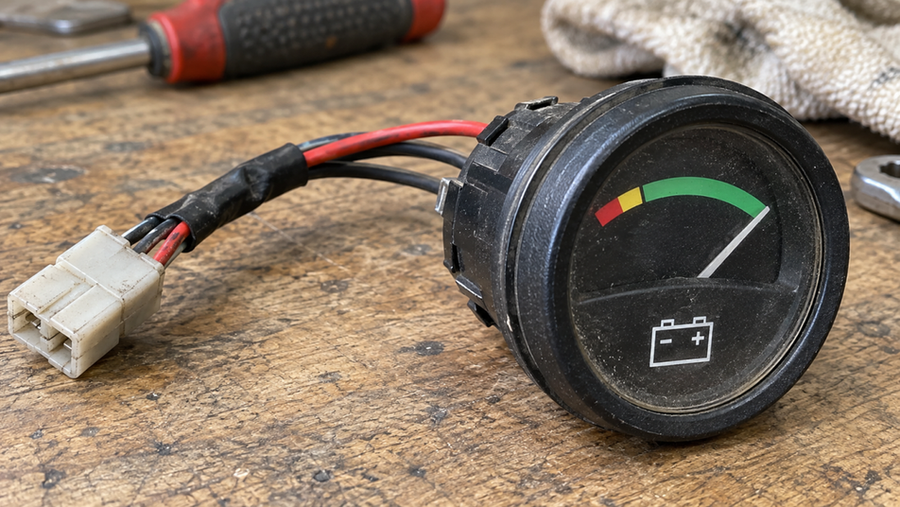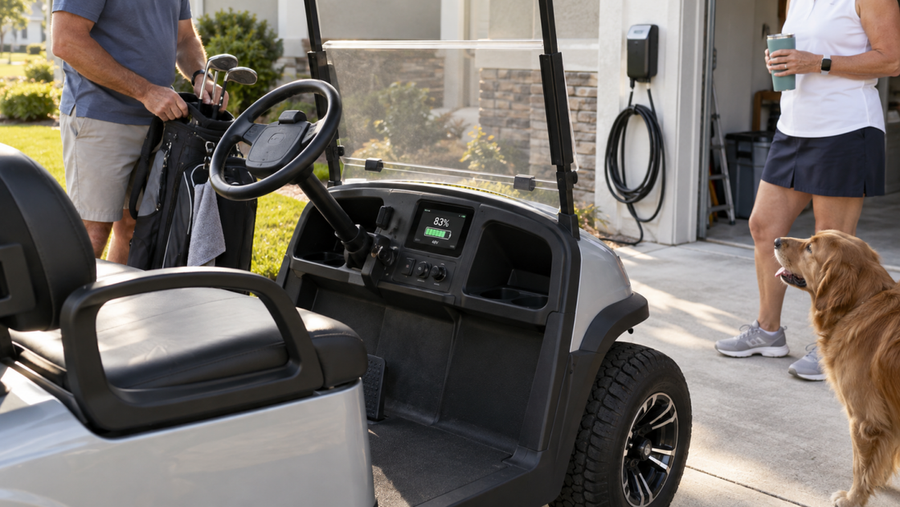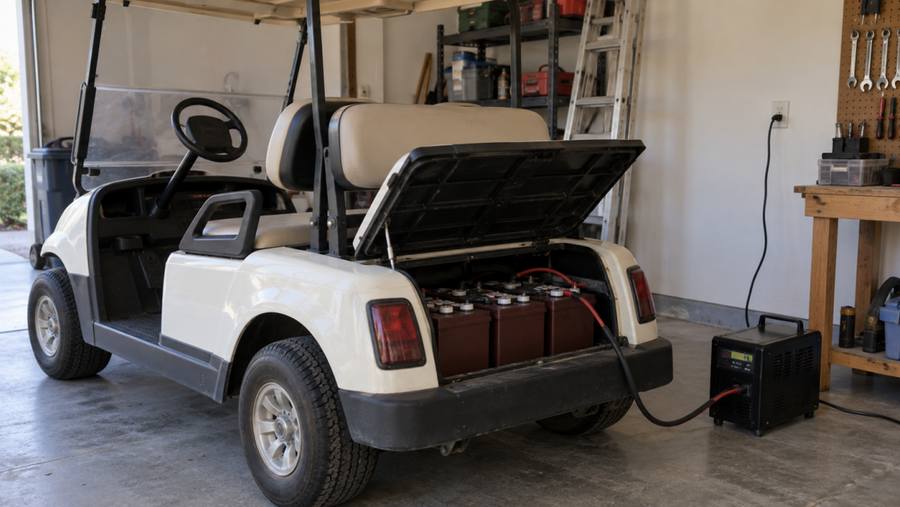

Choose the LCD monitor when you need a current reading at the battery system; choose the Bluetooth app when you need status information through a connected phone or tablet. First confirm that your battery supports the feature you want, then use the LCD for an immediate reading or open the app when you need additional status detail. A battery that includes both, such as the Vipboss 48V 150Ah Lithium Golf Cart Battery Conversion Kit, lets you choose based on the information and access method you need.
Choose the LCD for a fast local check

An LCD monitor is the simpler choice when you are already beside the golf cart, battery compartment, or control area. You can read the battery status directly from the connected display without unlocking a phone, opening an app, or pairing a device.
Choose the LCD when:
- You want to check status while standing at the cart.
- Your phone is unavailable, low on power, or being used for something else.
- You prefer a fixed display with no app connection.
- Several people need the same basic reading without sharing app access.
The trade-off is access. A wired display is tied to its installation location, and it usually gives you a quick current reading rather than a convenient record of earlier usage.
Choose the Bluetooth app for detail and access

A Bluetooth app is more useful when you want to check the battery from nearby without walking to the display or when you want more information than a quick screen reading. Depending on the battery system, the app may show battery level, charge and discharge status, health information, and historical data.
Choose the app when:
- You want to check status from another nearby position.
- You want to see charge or discharge trends over time.
- You are comfortable using a phone or tablet for battery information.
- The display is difficult to see or the battery is installed in a less convenient location.
Bluetooth range, phone compatibility, app support, and the battery's communication hardware determine how well this option works. For a practical comparison of fixed displays and app-connected monitors, see this discussion of Bluetooth battery monitors and app-based access. The app is not a substitute for checking the battery when the phone cannot connect.
Use both when the battery supports both

There is no need to treat the choices as mutually exclusive. Use the LCD when you need a quick local answer, then use the app when a trend or additional status detail matters.
For example, you might glance at the LCD before driving the cart. Later, you could open the app to check supported details such as battery level, charging or discharging status, or a health-related alert. The available information depends on the battery system and app compatibility.
The Vipboss kit includes an external LCD monitor and cable plus built-in Bluetooth monitoring. The LCD provides a real-time status display, while the app can show battery level, charge and discharge status, and battery health. Confirm the included connections and app compatibility for your exact installation before relying on either interface. A monitor reading describes the battery's reported status; it does not by itself prove that the cart, charger, wiring, or other equipment is operating correctly.