
LiFePO4 batteries tend to last longer when the charger stays within the exact battery's approved voltage, current, and temperature limits instead of using a generic profile. Check the battery manual first, then compare the charger’s voltage, current, time at the top of charge, and temperature behavior; if a setting is unknown or cannot be changed, do not assume the profile is suitable.
Why the charging profile changes battery wear

A charging profile is the way a charger controls current and voltage as a battery fills. Its settings determine how high the battery is charged, how long it stays near that level, and whether charging continues under unsuitable conditions. Those choices can affect long-term wear, but the right values depend on the battery model and how it is used.
A lower voltage setting can reduce stress and avoid some high-voltage cutoffs, but it may leave less usable charge or fail to meet that battery’s specified balancing conditions. A higher setting may provide more usable capacity and help balance cells in some systems, but it is not automatically better for longevity. Never exceed the battery maker’s maximum voltage. Lower settings can trade some state of charge and higher settings can affect usable capacity or balancing, so treat generic values only as a starting point and follow the specific battery maker’s requirements.
Match the settings to your battery and charging routine
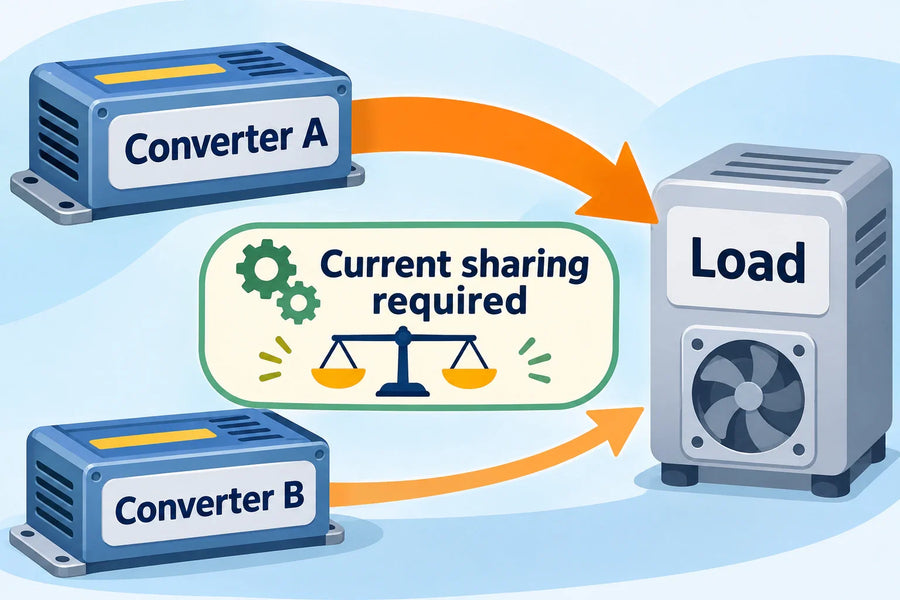
Start with the exact battery’s charging instructions, not a voltage chart for a different model. Check the maximum charge voltage and current, the permitted time at the top voltage, whether float is allowed or needed, and any temperature restrictions. Make sure each charging source follows the same battery-specific limits.
If your system charges regularly and may have little load while charging, a conservative profile may be preferable to holding the battery at a higher setting without need. If you charge less often and need the battery’s full usable capacity, a higher setting may be appropriate only when the battery maker permits it and the charging system can control it correctly. These are different operating needs, not universal prescriptions: use the model-specific instructions to choose the actual values.
Charge current matters too. A charger that supplies more current than the battery allows can exceed its limits; a lower current may take longer. Compare the charger’s maximum output with the battery’s permitted charge current, including any temperature or configuration limits. Do not treat a battery-management-system cutoff as a normal way to control charging.
Cold charging needs a model-specific limit
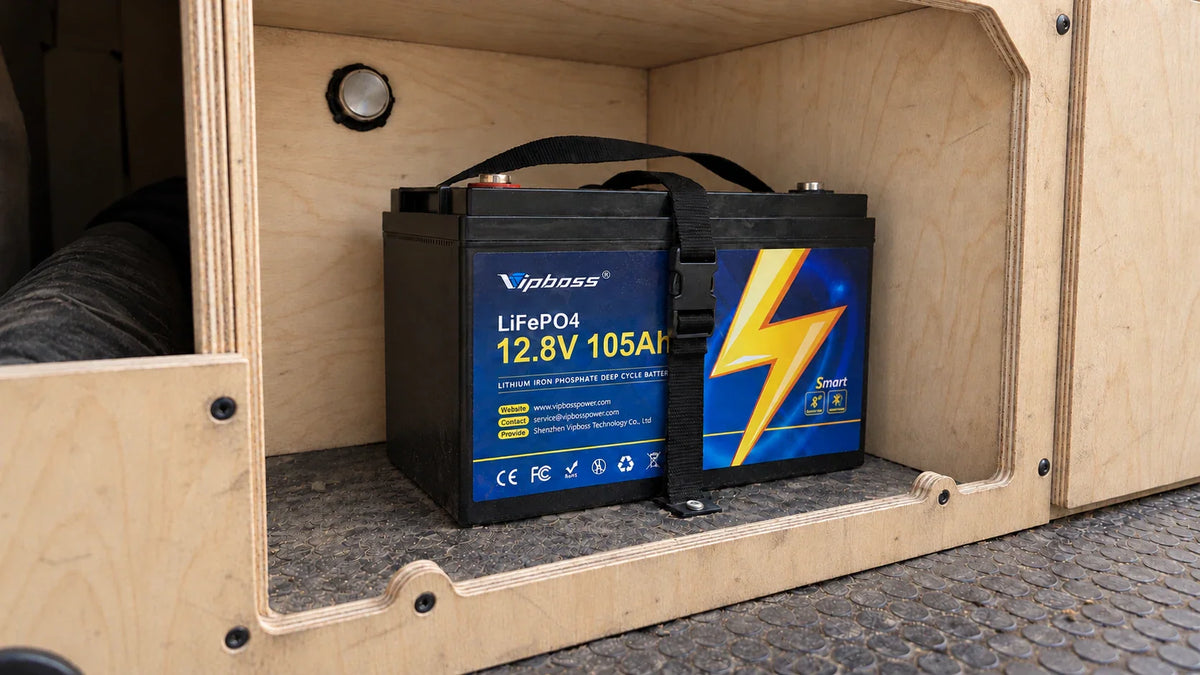
If the battery is cold, follow its stated low-temperature charging rule rather than relying on a generic LiFePO4 setting. For example, the Vipboss 12V 105Ah Bluetooth LiFePO4 battery stops charging below 32°F (0°C) and resumes at 41°F (5°C). Those limits apply to this product, not to LiFePO4 batteries generally.