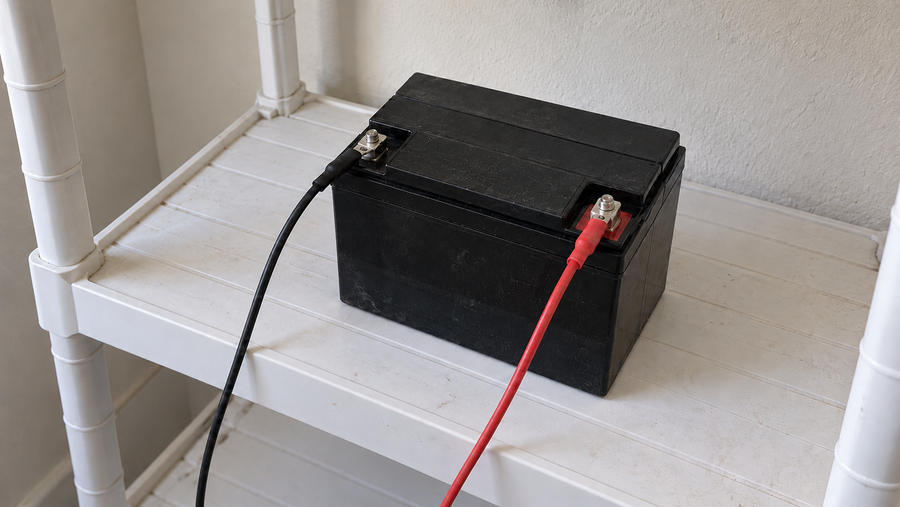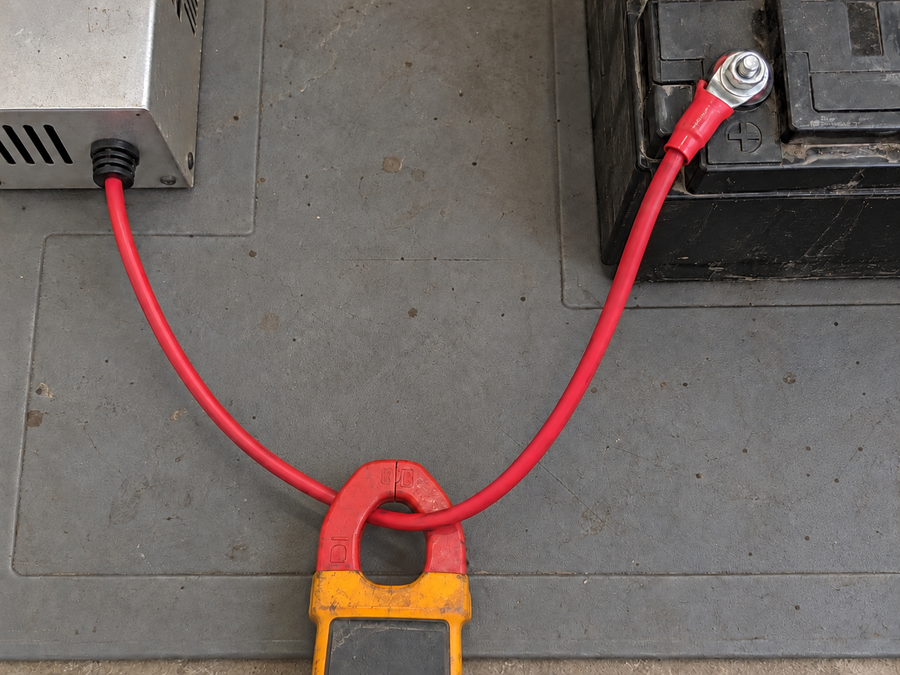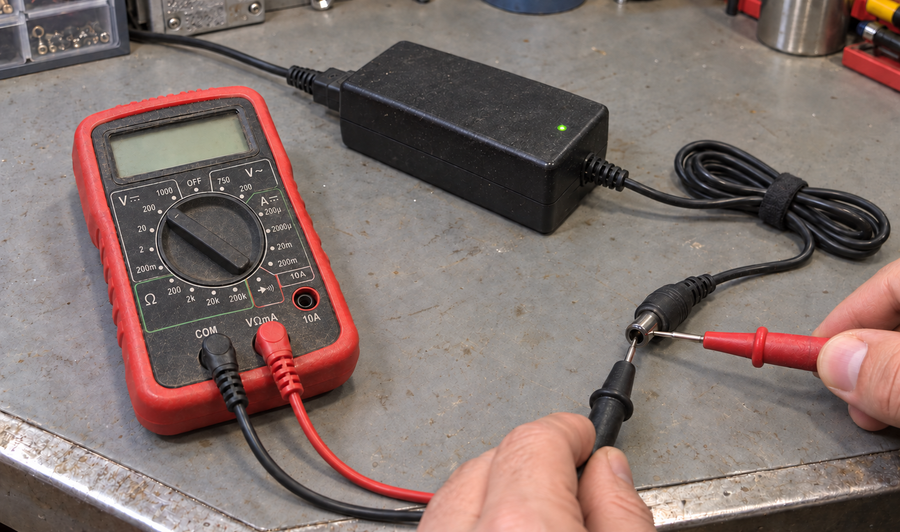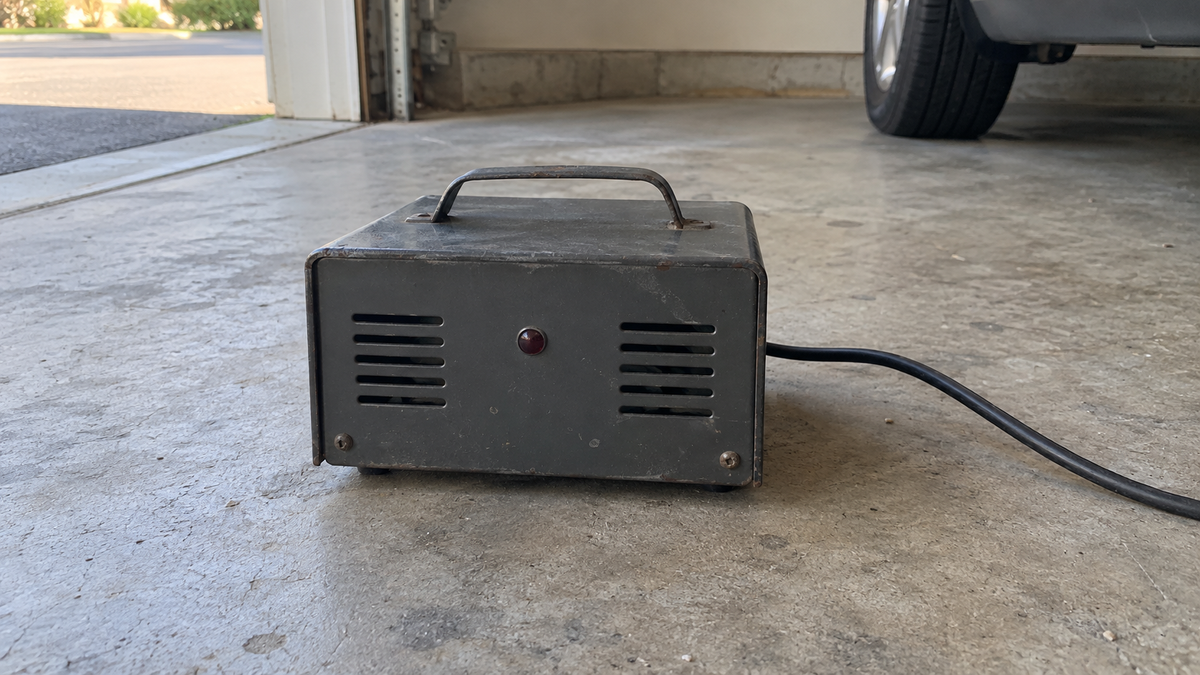

If your lithium battery charger is not charging, first check its power indicator and the battery’s status display or app while the charger is connected. A dead charger on a working outlet points toward the charger or its input lead; a charger that wakes, attempts to charge, and then stops while the battery reports a protection condition points toward the battery management system (BMS). Do not condemn a smart charger only because a meter reads zero at its unplugged output—some chargers do not energize the output until they detect a battery. If the signs remain mixed, use one known-compatible charger or battery for a controlled swap test.
Read the charger before replacing anything
Start with the clues already available. Use the indicator meanings printed on the charger or given in its manual, because colors and flash patterns vary by model.
| What you observe | What it suggests | What to check next |
|---|---|---|
| No lights or display on a confirmed working outlet | Charger input problem or internal charger fault | Reseat the AC lead, check any accessible fuse specified by the manual, and try another verified outlet |
| Standby indication does not change when the battery is connected | Poor connector contact, wrong polarity, an open battery-side circuit, or a deeply shut-down battery | Inspect the plug, pins, cable, battery charge switch, and battery status |
| Charging begins and then stops with a battery protection alert | The BMS is likely interrupting charge | Read the battery alert and correct that condition before retrying |
| Charger shows its own fault state with no battery alert | Charger, cable, or connector fault is more likely | Record the indicator pattern and test with known-compatible equipment |
| Charger reports full, but the battery is clearly not full | Connection, voltage-sensing, or battery-side protection issue | Confirm connector contact and compare the charger and battery status readings |
A loose, corroded, overheated, or pushed-back connector pin can imitate either fault. Do not charge or operate a battery that is visibly damaged, bulging, punctured, or abnormally hot.
Run one controlled swap test

The clearest distinction comes from changing only one side of the charger-battery pair. The substitute must match the battery chemistry, charge voltage, connector polarity, and permitted charge current.
- Confirm the original charger has AC power and that its connector is fully seated.
- Record the charger indication and any battery alert before disconnecting anything.
- Connect a known-working, compatible charger to the suspect battery. If that charger is also refused and the battery reports a protection condition, the fault is probably on the battery or BMS side.
- Alternatively, connect the suspect charger to a known-working compatible battery. If it remains dead or shows the same charger fault, the charger or its cable is probably faulty.
Do not perform both substitutions at once. If you change the charger, adapter, cable, and battery together, the result does not identify the failed part.
A successful swap narrows the fault but does not prove that the BMS electronics themselves are defective. The BMS may be responding correctly to low cell voltage, high cell voltage, temperature, excess charge current, a wiring problem, or a disabled charge setting. Treat the result as “battery-side block” until the battery’s own status identifies the reason.
For a compatible 36V LiFePO4 system, the Vipboss 36V 25A lithium battery charger can serve as the charger side of this decision. It is specified for a 43.8V, 25A output and includes a low-voltage activation function. It is suitable only when the battery documentation permits that charge voltage and at least 25A of charging current, and when the connector and polarity match. Low-voltage activation may wake some protected batteries, but it cannot override a temperature, over-voltage, wiring, or other active battery protection condition.
Treat a BMS block as a battery-side stop
A BMS block is more likely when the charger has power, recognizes the connection, and then stops while the battery reports a charge-disabled or protection state. What you do next depends on the condition the battery identifies:
- If the battery reports a temperature limit, follow the battery manual’s instructions for that condition before retrying.
- If it reports low-voltage protection, use only the battery maker’s documented wake-up method or a compatible charger with an appropriate activation function.
- If it reports high cell voltage or cell imbalance, stop repeated charging attempts. The battery needs battery-side diagnosis rather than a larger charger.
- If the battery app or display shows that charging is disabled, restore that setting only after confirming why it was disabled.
- If there is no battery status information, use a known-compatible swap test to help identify the fault.
A charger fault is more likely when the unit has no response on verified AC power, its own fault indication follows it to a known-working compatible battery, or its cable and connector fail inspection. A BMS block is more likely when different compatible chargers are refused by the same battery or the battery reports a protection condition at the moment charging stops.
If neither side behaves consistently, stop swapping parts and have the charger output, connector, and battery charge path checked by a qualified battery technician. Intermittent connections and cell-level faults can produce changing symptoms, and repeated trial charging can hide the original clue.
Frequently asked questions
How can I tell whether the charger or the battery BMS is stopping the charge?
Check the charger indicator and the battery's status information first. If the same battery refuses more than one known-compatible charger or reports a protection condition, the stop is more likely on the battery side; if the charger's fault follows it to a known-working compatible battery, the charger is the more likely cause.
Can a charger light be on even when the battery is not charging?
Yes. A power, standby, full, or fault light may show that the charger has AC power without proving that charging current is reaching the battery. Interpret the light using the charger manual and compare it with the battery's voltage, display, or app status when available.
Will disconnecting the battery reset its BMS?
Not necessarily. Reset and recovery behavior varies by battery, and disconnecting power will not clear an active temperature, over-voltage, cell-imbalance, or wiring fault. Follow the battery manufacturer's documented reset or wake-up procedure.
Can I use a higher-current charger to overcome a BMS block?
No. A higher-current charger can exceed the battery's permitted charge rate and will not safely override a protection condition. Use only a charger that matches the battery chemistry, charging voltage, allowed current, connector, and polarity.
When should I stop troubleshooting the charging problem myself?
Stop if the battery is swollen, leaking, punctured, unusually hot, or has a burning smell, or if a connector is melted or discolored. Also stop after inconsistent swap-test results or a recurring protection event and have the system checked by a qualified battery technician.