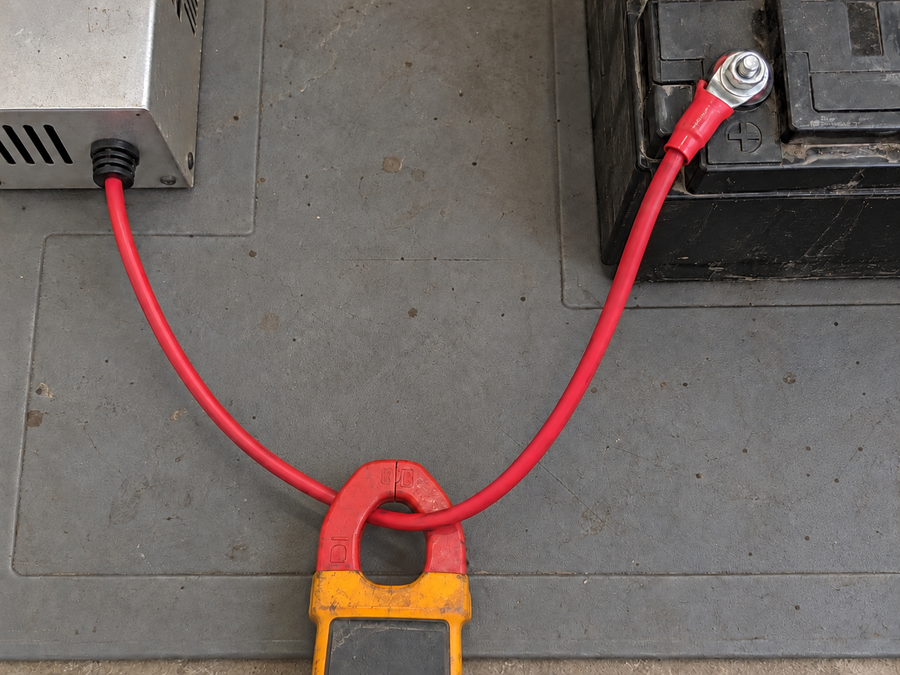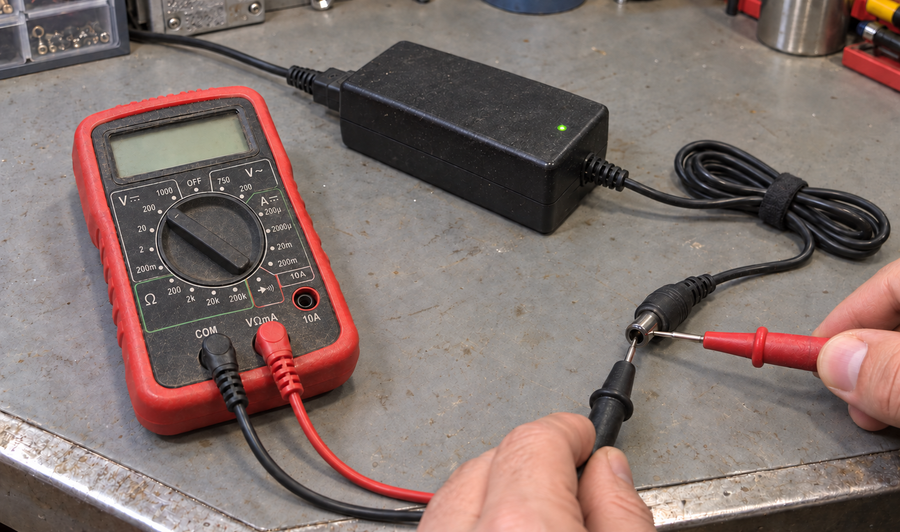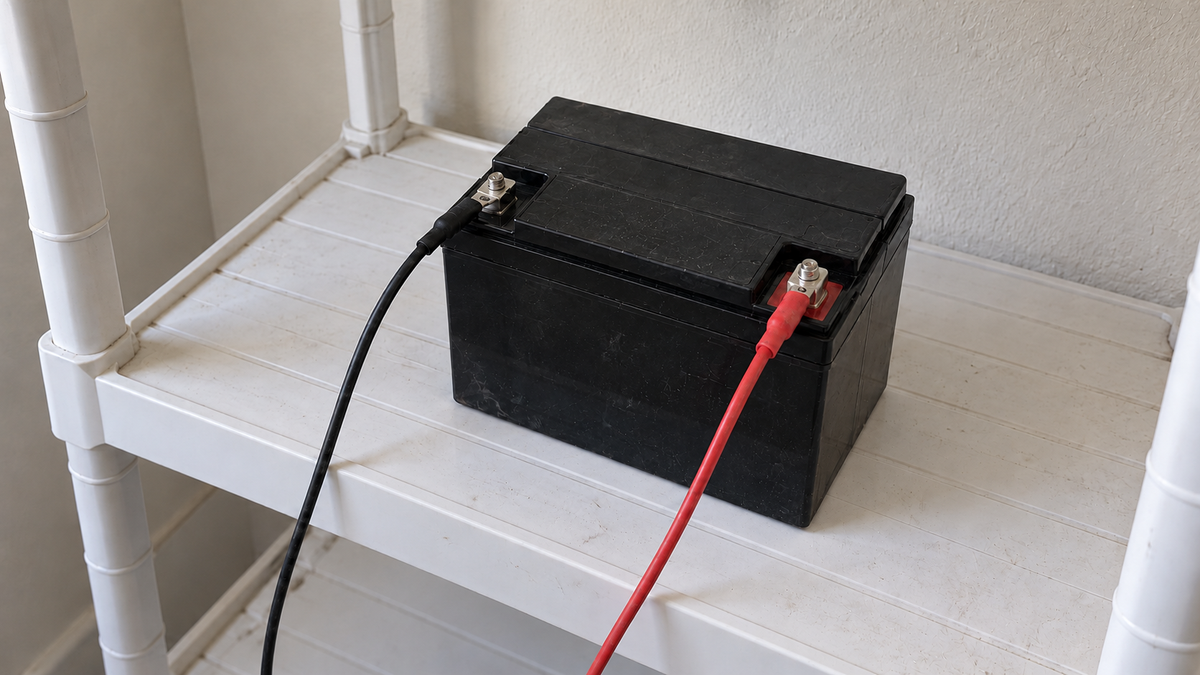

For LiFePO4 batteries, set absorption to the voltage and duration specified by the battery manufacturer. Set equalization to off. Also disable desulfation, reconditioning, and other lead-acid repair modes unless the battery manual explicitly calls for them.
LiFePO4 settings at a glance

LiFePO4 does not need the high-voltage equalization used for some lead-acid batteries. Applying a lead-acid profile can trigger the battery management system (BMS) or expose the battery to charging behavior outside its approved limits.
Match the charger to the battery
With a programmable charger or solar controller, enter the battery maker's voltage, time, and current limits directly. Do not copy settings from a different LiFePO4 model simply because it has the same nominal system voltage.
With a dedicated lithium charger, compare its output with two figures in the battery manual:
- the approved charge voltage;
- the maximum charge current.
For example, the Vipboss 36V 25A Lithium Battery Charger supplies 43.8V at up to 25A. It is an option only when a 36V LiFePO4 battery is rated for both values. The “36V” label alone does not establish compatibility.
If a charger cannot disable equalization or offers only a lead-acid profile, do not use that mode with a LiFePO4 battery.
When the manual does not provide the required charge settings, get the specification from the battery manufacturer before connecting the charger.
Frequently asked questions
What absorption voltage should I use for LiFePO4?
Use the charging voltage specified by the battery manufacturer for that particular pack.
Should equalization be enabled for LiFePO4?
No. Equalization is generally a lead-acid charging function and should remain off for LiFePO4 unless the battery maker explicitly specifies otherwise.
Should temperature compensation be enabled on a LiFePO4 charger?
Use it only when the battery manufacturer calls for it; do not automatically copy lead-acid temperature-compensation settings.