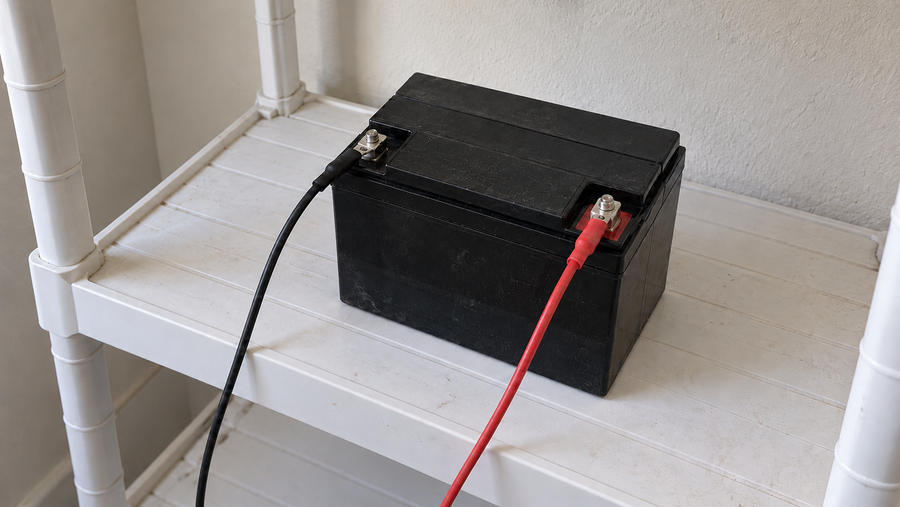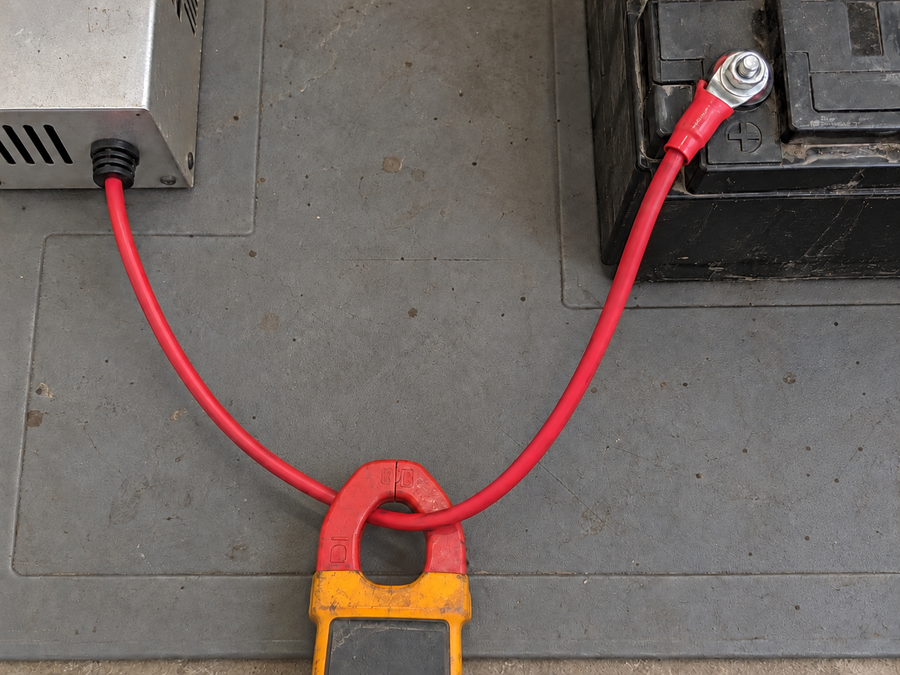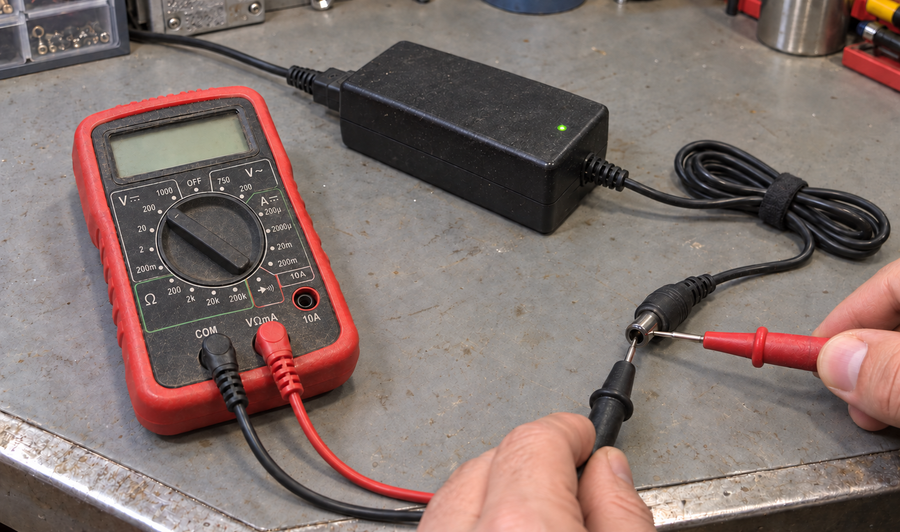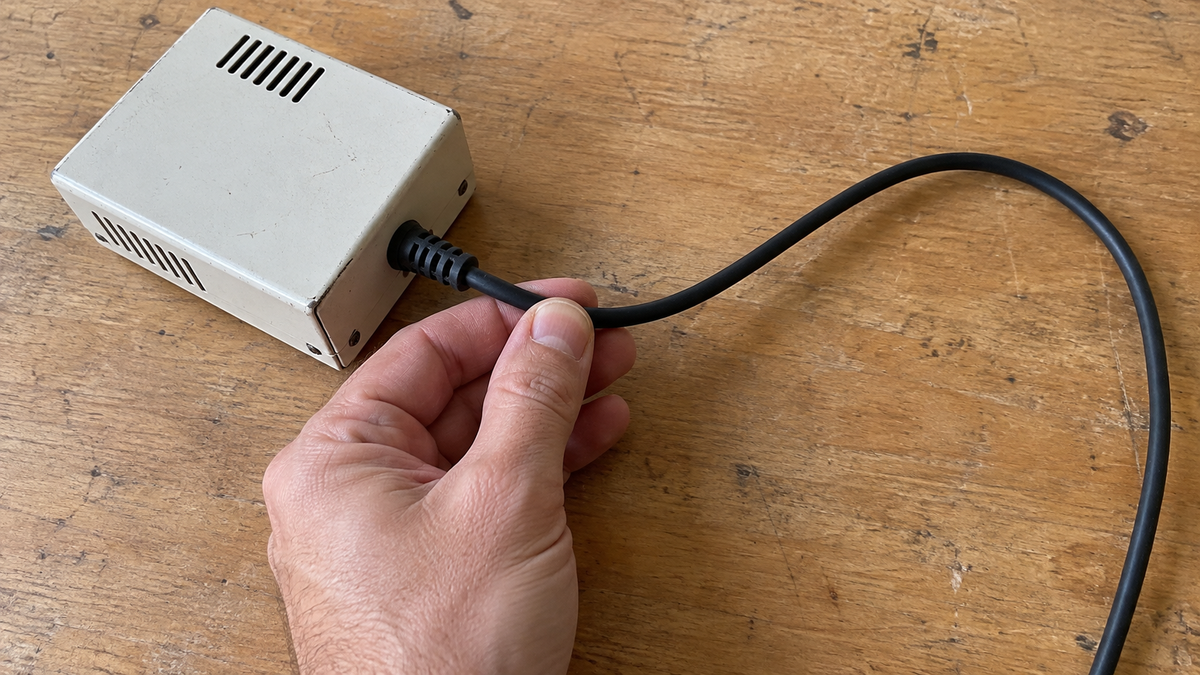

Regularly inspect the charger's housing, AC cord, DC cable, plugs, terminals, strain reliefs, and vents for cracks, wear, looseness, corrosion, contamination, overheating, or liquid intrusion. With the power disconnected, also check for burnt connectors, exposed conductors, unusual odors, and other fault signs. If you find any of these hazards, keep the charger out of service and arrange qualified repair rather than testing it further.
Before you inspect, make the charger safe
Disconnect the charger from the battery and its AC supply before handling the case, cable, plug, or terminals. Do not open the enclosure or touch exposed electrical parts. If the charger is hot, wet, smoking, sparking, or producing an unusual smell, move away from it and isolate the equipment only if you can do so without contact with a hazard.
Use the battery and charger instructions to confirm that the equipment is intended for the same battery chemistry and voltage. A routine inspection cannot make an incompatible charger safe. Electrical testing, internal repair, and changes to charger settings belong to a qualified technician.
Check the housing, cord, and connectors

Look over the charger from the outside and work from the enclosure toward the battery connection:
- Check the case for cracks, swelling, loose fasteners, scorch marks, corrosion, or signs of water entry.
- Check the AC cord and DC cable for cuts, crushed sections, stiff insulation, exposed conductors, or damaged strain relief.
- Inspect plugs and terminals for cracked housings, bent contacts, corrosion, looseness, or discoloration from heat.
- Make sure vents are clear of dust and debris. Clean only according to the charger instructions, and never spray liquid into the unit.
- Confirm that the charger is kept dry, uncovered, and in a position that allows heat to escape.
A darkened connector, melted plastic, sharp odor, or cable that feels unusually hot is not a cleaning issue. Do not reconnect it to see whether it still works. Tag it out of service and have the cause assessed.
For compatible 36V LiFePO4 battery systems, the Vipboss 36V 25A Lithium Battery Charger provides a 43.8V, 25A charging output in an IP65-rated enclosure. Its listed safeguards cover reverse connection, short circuits, over-temperature, and overload, helping protect the charger and connected equipment when abnormal conditions occur.
Confirm the charger behaves normally
After the external inspection passes, reconnect and operate the charger only as its instructions allow. Stay nearby for the first check. Look for a normal startup, expected indicator changes, and a stable connection. The Vipboss model uses LED states for standby, charging, full charge, and fault status, so an unexpected fault indication is a reason to stop and consult the applicable instructions rather than repeatedly cycling the charger.
Stop the check if you notice repeated fault lights, abnormal heat, buzzing, smoke, sparking, a burning smell, a loose connection, or charging that starts and stops unexpectedly. Do not bypass a protection feature or substitute a fuse, connector, cable, or battery profile without the manufacturer's instructions.
Routine programs commonly combine visual inspections, cleaning, functional checks, and maintenance schedules. Inspections, cleaning, and functional tests are among the maintenance steps described in this maintenance presentation. For a personal or small-site charger, use the manufacturer's stated schedule and inspect sooner after relocation, harsh exposure, a fault, impact, or a noticeable change in charging behavior.
Record changes and remove unsafe equipment
Keep the charger out of service when a safety-related defect remains unexplained or cannot be corrected without opening the equipment. Return it only after the repair or replacement has been completed and the charger passes the required operating check. If you cannot identify the correct battery type, voltage, connector, or settings, stop and verify those details before charging.
A good inspection does not prove that a charger is electrically sound inside. It gives you a repeatable way to catch visible damage and abnormal operation early, then make a safe decision about repair, replacement, or continued use.
Frequently asked questions
How often should I inspect a battery charger?
Follow the interval in the charger manufacturer's instructions and inspect it sooner after an impact, relocation, water or dust exposure, a fault, or any change in charging behavior. A quick visual check before use can catch obvious cable, plug, and housing damage.
Is it safe to use a charger with a cracked case or damaged cable?
No. Disconnect it and keep it out of service because cracks, exposed conductors, damaged strain relief, and melted or discolored parts can create shock, short-circuit, or overheating hazards.
Can I clean corrosion from a battery charger connector?
Only when the equipment is fully disconnected and the manufacturer permits the cleaning method. Heavy corrosion, looseness, pitting, or heat damage calls for connector repair or replacement rather than cleaning alone.
Should I open the charger to inspect it inside?
No, unless you are qualified and the manufacturer's service procedure specifically permits it. A mains-powered charger can retain hazardous energy, and opening it may defeat seals or safety features.
What charger behavior means I should stop the inspection immediately?
Stop for smoke, sparking, a burning smell, unusual buzzing, rapid heating, repeated fault indications, intermittent charging, or heat concentrated at a plug or terminal. Disconnect safely and keep the equipment out of service until the cause is resolved.