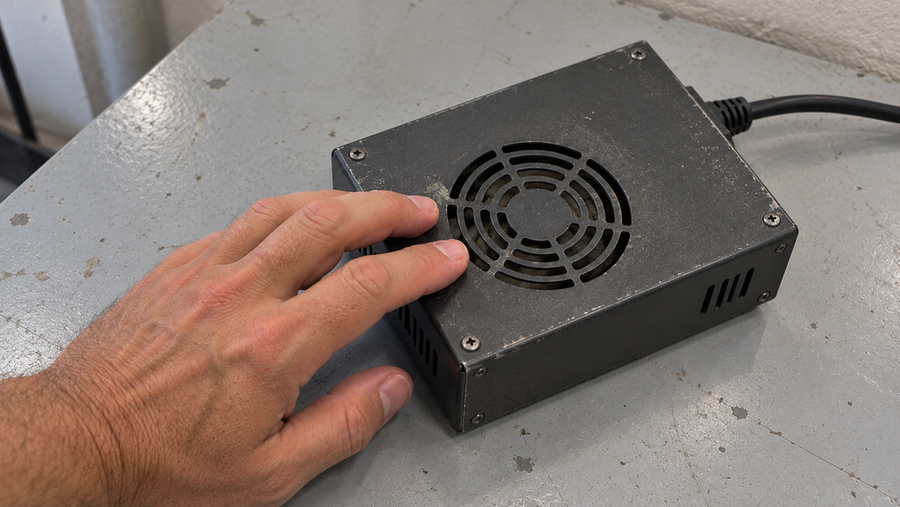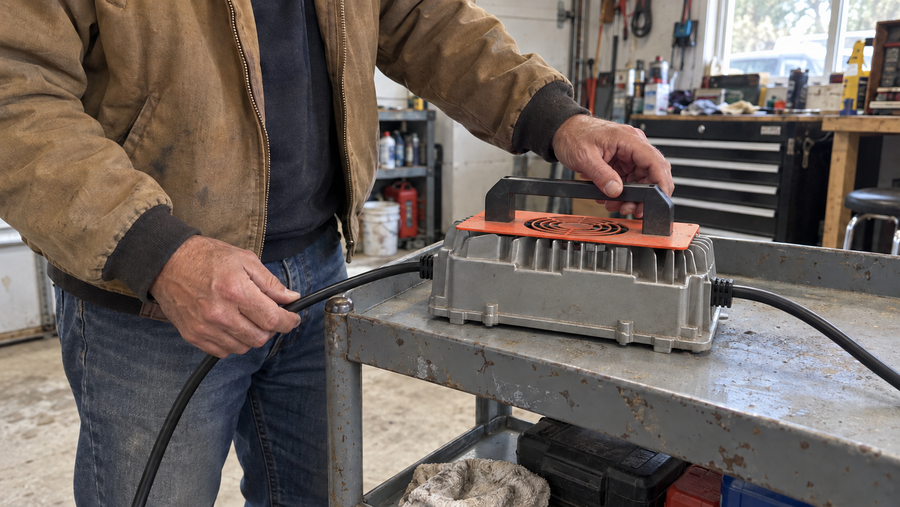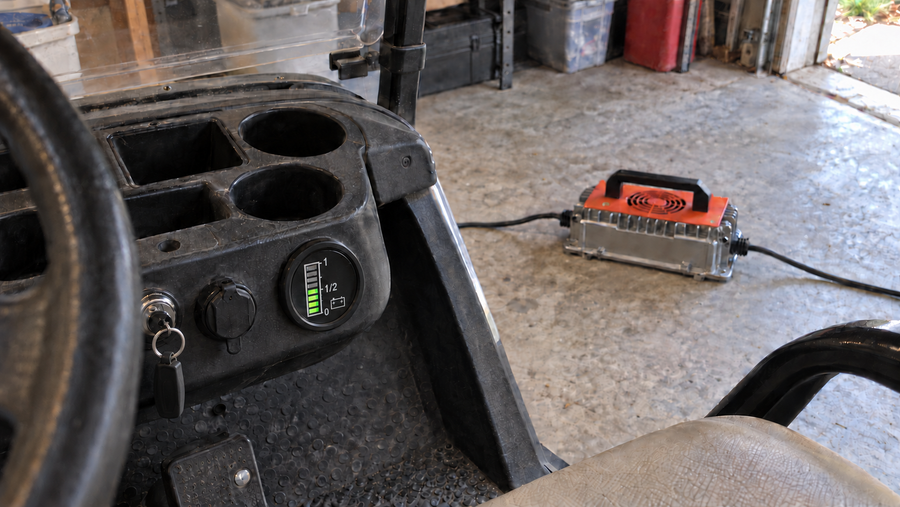

A battery charger overheats when it generates heat faster than it can release it. Common causes include blocked airflow, a hot charging location, an incompatible battery, a loose or damaged connection, excessive load, or a fault inside the charger or battery. Mild, steady warmth can be normal, but rapidly rising heat, repeated shutdowns, a burning smell, smoke, melting, swelling, or sparking is not. Disconnect the setup, let it cool, and identify the cause before charging again.
Is the charger overheating or just warm?
Some warmth is expected because a charger loses part of its input energy as heat while converting AC power to controlled DC power. Normal warmth should remain stable, with the charger operating as expected and no fault light, odor, unusual noise, or visible change to the case.
Treat the heat as abnormal when the temperature rises quickly, the charger repeatedly reduces output or shuts down, or the heat appears with discoloration, melted plastic, buzzing, a burning smell, smoke, or sparks. Also stop if the battery becomes unusually hot, swells, cracks, or leaks. Disconnect the equipment only when it is safe to do so, then leave it out of service until it has cooled and the cause has been checked.
Common causes of battery charger overheating

Blocked airflow. Covered vents, dust buildup, soft upholstery, or a tight cabinet can trap the heat the charger is designed to release. Place the charger on a hard, stable surface with clear space around its cooling openings. Do not cover it or place objects on top of it. General charger operating guidance likewise calls for clear ventilation and cooling before reconnection when overheating occurs, as shown in this charger operating manual.
A hot charging environment. Direct sunlight, nearby machinery, an engine compartment, or high ambient temperature reduces the charger's ability to cool itself. Use the charger only within the temperature range stated in its documentation. Moving it to a cooler location may solve an environmental heat problem, but it will not correct an electrical fault.
Charger and battery mismatch. The battery chemistry, nominal voltage, required charging voltage, permitted charge current, polarity, and connector must all be compatible. A plug that fits does not prove that the charging profile is correct. A mismatched charger can operate abnormally, fail to complete charging, or place unnecessary stress on the battery and charger.
Compare the two labels and manuals as a complete charging system. This system-level approach is also reflected in the Battery Charger System Test Procedure.
Loose or damaged connections. A loose, corroded, or damaged contact adds electrical resistance and can concentrate heat at the plug or terminal. With the charger disconnected, inspect the AC cord, output cable, connector, and battery terminals for discoloration, corrosion, cracked insulation, looseness, or melted material. Heat concentrated at one connection is a strong reason to stop using that part rather than continue charging.
Excessive load. Accessories drawing power while the battery is charging can keep the charger working at its limit for an extended period. A charger may also be undersized for the intended battery bank or operating duty. Disconnect nonessential loads and check the system documentation instead of assuming that a higher-output charger can be substituted safely.
A battery or charger fault. If the setup is compatible, ventilated, and undamaged but still overheats, the battery-management system, battery cells, temperature sensing, cooling components, or charger electronics may be faulty. These are not external adjustments. Stop testing and arrange manufacturer support or qualified service.
Check the system in a safe order
After the charger and battery have cooled:
- Inspect both units for swelling, leakage, cracks, scorching, melted parts, or a burnt odor.
- Clear the charger's vents and confirm that its placement allows heat to escape.
- Examine the cables, plugs, polarity, and terminals for damage or loose contact.
- Compare the battery chemistry and charging requirements with the charger's output specifications.
- Remove unintended loads that may be drawing power during charging.
- Check the manual for the meaning of any indicator or fault code.
Reconnect only if no damage is present, the specifications match, and the manufacturer's instructions allow it. Observe the beginning of the next charge cycle. A renewed fault, rapid temperature rise, or repeated shutdown means the problem remains unresolved.
Choose a charger designed for the battery
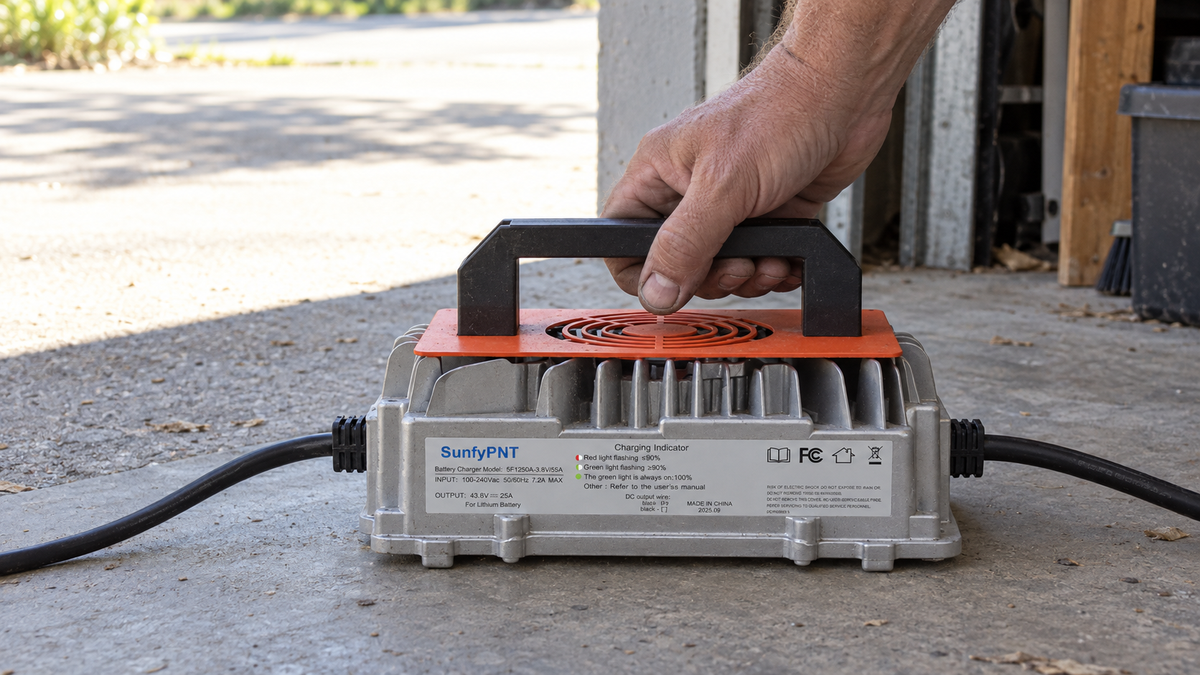
Correct charger selection helps prevent heat caused by an unsuitable charging profile and adds protection when abnormal conditions occur. For compatible 36V LiFePO4 systems, the Vipboss 36V 25A Lithium Battery Charger provides a specified 43.8V, 25A output and operates within a stated range of -4°F to 113°F (-20°C to 45°C). It also includes protection against over-temperature, overload, short circuits, and reverse connection.
That combination makes it a practical option for a 36V LiFePO4 battery that accepts the same charging voltage and current. With clear airflow and a sound connection, its protection functions help the charger respond to abnormal electrical or thermal conditions during use.
When to stop using the charger
Keep the charger disconnected if it heats rapidly in an open, suitable location, overheats with a correctly matched battery, repeatedly enters protection mode, trips the AC supply, or shows physical damage. Smoke, sparking, melted insulation, swelling, leakage, or a burning smell requires immediate discontinuation when it is safe to disconnect the equipment.
Do not open a mains-powered charger, bypass a thermal cutoff, or repeatedly reset a protection circuit. If airflow, compatibility, connections, load, and ambient temperature do not explain the heat, replace the charger or have the charger and battery professionally tested.
Frequently asked questions
Why is my battery charger overheating?
Common causes include blocked airflow, a hot environment, a mismatched charging profile, a loose or damaged connection, excessive load, or an internal battery or charger fault. The location and timing of the heat help narrow the cause but do not prove it.
Can a loose battery connection make the charger hot?
Yes. Resistance at a loose, corroded, or damaged connection can concentrate heat at the plug or terminal. Disconnect power and keep the affected part out of service if it is discolored, melted, pitted, or unusually hot.
Is it safe to keep using a charger after it cools down?
Cooling down does not resolve the reason it overheated. Reuse it only if there is no damage, the battery and charger specifications match, airflow and connections are correct, and the manufacturer's instructions permit another monitored test.
Will an over-temperature cutoff prevent all heat damage?
No. Thermal protection is a backup feature, not permission to operate the charger with blocked ventilation, damaged wiring, or an incompatible battery. A charger that repeatedly enters thermal protection should remain out of service until the cause is fixed.
When should an overheating charger be replaced?
Replace it or obtain qualified service when it overheats in a suitable open location with a compatible battery, repeatedly shuts down, trips the supply, or shows damaged cables, melted parts, swelling, smoke, or a burning smell.