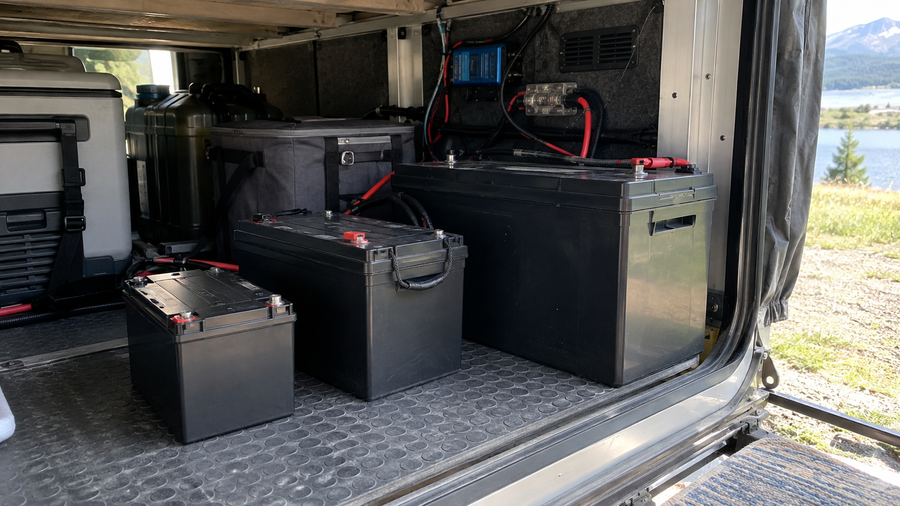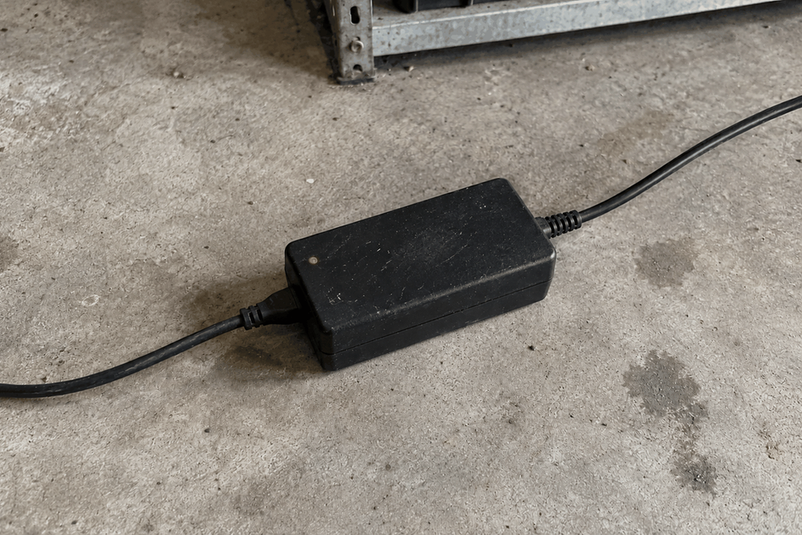

A battery charger keeps tripping overload protection when it detects that its output current or internal load is staying above a safe limit. Common causes include an excessive connected load, an incompatible or faulty battery, a shorted output cable, restricted cooling, or a problem inside the charger. First confirm that the indicator actually means overload rather than short-circuit, reverse-polarity, or over-temperature protection, then use the timing of the trip to narrow down the cause.
Confirm that the fault is an overload
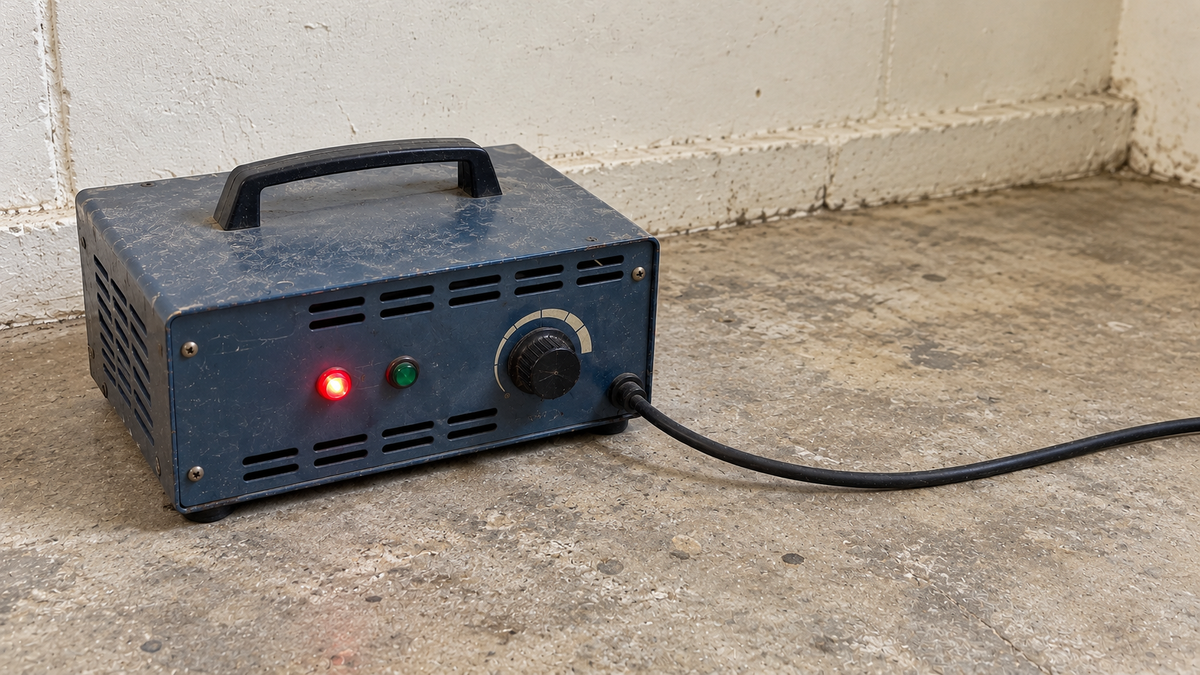
Check the charger's manual or fault-code guide before changing the setup. Some chargers use different indicators for overload, short circuit, reverse connection, and high temperature, while others display one general fault light for several conditions. The correct response depends on which protection has activated.
Note when the light or code appears and whether the charger stops completely, restarts after cooling, or tries to resume automatically. Do not keep resetting it: repeated trips indicate that the triggering condition is still present.
Check the most likely causes
Start with the parts of the system that can be checked without opening the charger or battery:
- Excessive connected load: Equipment drawing power while the battery is charging can push the charger beyond its intended continuous output. Disconnect nonessential loads and follow the system manufacturer's charging instructions.
- Incorrect charger or battery: The charger must match the battery chemistry, nominal voltage, required charging voltage, and permitted charge current. A recently replaced charger or reconfigured battery bank deserves particular attention.
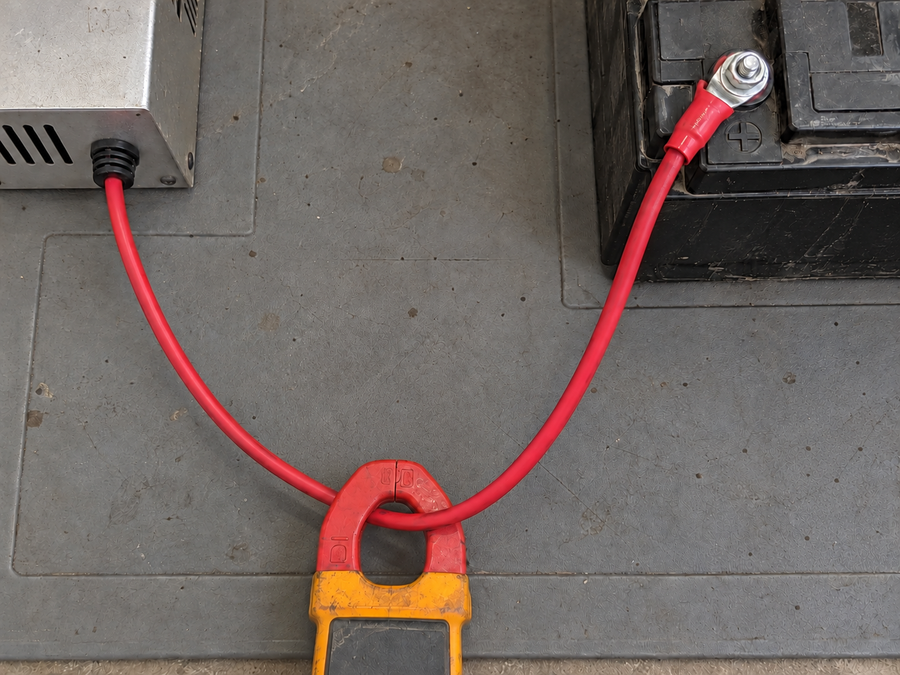
- Damaged cable or connector: Crushed insulation, exposed conductors, corrosion, a loose terminal, or a shorted connector can produce an abnormal output condition. Inspect these parts with the charger disconnected from AC power.
- Battery fault: A damaged battery or battery-management-system fault may cause charging to stop or behave abnormally. Swelling, leaking, unusual heat, or an unstable battery voltage requires qualified inspection.
- Poor cooling or charger trouble: Blocked vents, a hot installation area, or an internal charger fault may cause a shutdown. Because over-temperature protection can resemble an overload fault on some models, verify the indicator in the manual.
Do not bypass a fuse, protection circuit, or battery-management system to keep the charger running.
Use the timing of the trip to narrow it down

When the protection activates provides a useful diagnostic clue:
- Immediately after connection: Check the fault code, polarity, battery voltage and chemistry, output cable, and connector first. An immediate trip is more consistent with incompatibility, a shorted connection, or a serious battery or charger fault than with gradual heat buildup.
- Soon after charging begins: Check whether other equipment is drawing from the charger, whether a connector is heating up, and whether the battery shows abnormal behavior as current begins to flow.
- After operating for a while: Look for blocked cooling openings, high ambient temperature, or heat building around the charger. Let the equipment cool and correct the airflow problem before one controlled retry within the specified operating conditions.
- Only with one battery: The battery, its battery-management system, or its connection is the likely variable. Stop repeated testing and have that battery checked if no external problem is visible.
The timing helps identify where to look, but it does not prove that a particular component has failed.
Correct the cause before resetting the charger
Disconnect AC power and inspect the charger case, leads, plug, terminals, and battery for damage. Confirm the battery and charger specifications, remove any unintended external load, and restore clear airflow around the charger. Correct only problems that can be handled safely from the outside, such as an obstructed vent or a loose removable connection that the equipment instructions allow you to service.
After a confirmed external issue has been corrected, reconnect the system according to the manufacturer's sequence and observe the initial charging cycle. If overload protection returns with a compatible battery, sound connections, no external load, and adequate cooling, the charger or battery needs further testing.
Choose a charger that matches the battery and load
A properly sized charger should deliver the charging profile the battery requires while providing protection for abnormal conditions. For compatible 36V LiFePO4 systems, the Vipboss 36V 25A Lithium Battery Charger provides a specified 43.8V, 25A output and includes overload, short-circuit, reverse-connection, and over-temperature protection. Its stated operating range is -4°F to 113°F (-20°C to 45°C).
This combination makes it a practical option when the battery accepts that charging profile and the connector matches the system. During operation, the protection functions help the charger respond to several common electrical and thermal faults instead of continuing under an abnormal condition.
Stop if the protection keeps returning
Disconnect the charger and arrange qualified inspection if the same fault returns after compatibility, connections, load, and cooling have been checked. Stop immediately if you notice swelling, leaking, a burning odor, arcing, melted insulation, smoke, or abnormal heat. Do not open the charger or battery, and do not continue resetting a protection circuit that will not remain cleared.
Frequently asked questions
What causes battery charger overload protection to activate?
Possible causes include excessive connected load, an incompatible battery or charger, a damaged or shorted connection, poor cooling, or an internal battery or charger fault. Check the model's fault guide because a general fault light may represent a different protection condition.
Why does overload protection trip as soon as I connect the battery?
An immediate trip points first to polarity, voltage or chemistry mismatch, damaged output wiring, a shorted connector, or a serious battery or charger fault. Disconnect the equipment and inspect it rather than repeatedly resetting the protection.
Can equipment remain connected to the battery while it charges?
Only if the system manufacturer permits it and the combined operating conditions stay within the charger's intended capacity. Disconnect nonessential loads when diagnosing an overload because they can keep the charger at or beyond its continuous output.
Should I replace an overloaded charger with a higher-current model?
Not without confirming the battery's permitted charging current and the rest of the system specifications. A higher-current charger can be incompatible and will not correct a damaged connection, battery fault, or cooling problem.
Is it safe to reset overload protection repeatedly?
No. A recurring trip means the triggering condition has not been resolved. If the protection returns after compatibility, external load, connections, and airflow have been checked, keep the charger disconnected and arrange qualified testing.