
A 25A label does not prove that your charging port or wiring is safe. First match the charger's voltage and chemistry to the battery, then check the charger label and every connector, fuse, and wire on the side you will power; if any rating is missing, damaged, loose, or lower than the required load, do not energize the path until it is verified.
What the charger's 25A rating actually tells you
The 25A figure normally describes the charger's DC output to the battery. It is not automatically the current drawn from a wall outlet, and it does not identify a safe wire size, connector rating, fuse, or charging port by itself.
A safe path has two separate sides:
- Source side: the outlet, inlet or port, plug, AC cable, fuse, switch, and charger input.
- Battery side: the charger's DC cable, connector, fuse, terminals, and battery charging circuit.
Check both sides. A connector can look substantial while its contacts, fuse, terminal screws, or cable length are unsuitable. The battery's limits also matter: a charger must be designed for that battery's chemistry, voltage, and permitted charging current. The lithium-battery safety guidance explains why the charging method, voltage, and current should follow the pack's specified parameters.
Check the battery and charger before the wiring
Read the battery label or manual first. Record its chemistry, nominal voltage, maximum charging voltage, maximum charging current, connector polarity, and any requirement for a battery-management system. Do not substitute a charger because its plug fits.
Then compare those values with the charger label. The Vipboss 36V 25A Lithium Battery Charger is specified for a 36V LiFePO4 application, with 43.8V and 25A output and a 90–260Vac input range. Those are product-specific specifications, not a universal approval for every 36V battery or installation. The battery still has to permit that charging profile and current.
The product is therefore a plausible fit only when you have a compatible 36V LiFePO4 battery and a charging path rated for the charger's actual input and output requirements. Its low-voltage activation feature does not make a damaged, incorrectly wired, or incompatible battery safe to charge. If that is your setup, you can review the Vipboss 36V 25A lithium charger for the supplied product details, then verify the installation against the battery documentation.
Choose the charging path by the side of the circuit

For the source side, use the charger's input label and installation instructions to identify the required voltage, frequency, plug or inlet type, grounding arrangement, and protection. Do not size the source wiring from the 25A DC output number. A charger converts power, so its source current depends on its input voltage, efficiency, and operating conditions. Use the manufacturer's stated input requirement or have the circuit checked by a qualified electrician when it is unclear.
For the battery side, verify the cable, connector, fuse, terminals, and port against the charger's DC output and the battery's permitted charge current. The complete path must be rated for the intended current, with secure polarity and connections. Do not rely on a generic wire-size guess when the cable length, enclosure, ambient heat, connector type, or local electrical rules are unknown.
A practical check looks like this:
- Identify the charger's input and output ratings from its label.
- Identify the battery's chemistry, voltage, maximum charge voltage, and permitted charge current.
- Trace the complete source-side and battery-side paths, including every plug, port, fuse, switch, terminal, and cable.
- Compare each component's rating and condition with the applicable manufacturer instructions.
- Stop if one component has no known rating, shows heat or damage, has loose contacts, or does not match the required polarity or voltage.
This process can tell you what must be verified, but it cannot certify an unknown household circuit or improvised port. Charging should remain attended, and unusual heat, odor, swelling, shape changes, or abnormal behavior are reasons to disconnect and stop.
Frequently asked questions
Can a connector that fits physically handle a 25A charger?
Not necessarily. Its contacts, wire size, fuse, terminals, and temperature rating must also support the required current.
What signs suggest a charging port has excessive resistance?
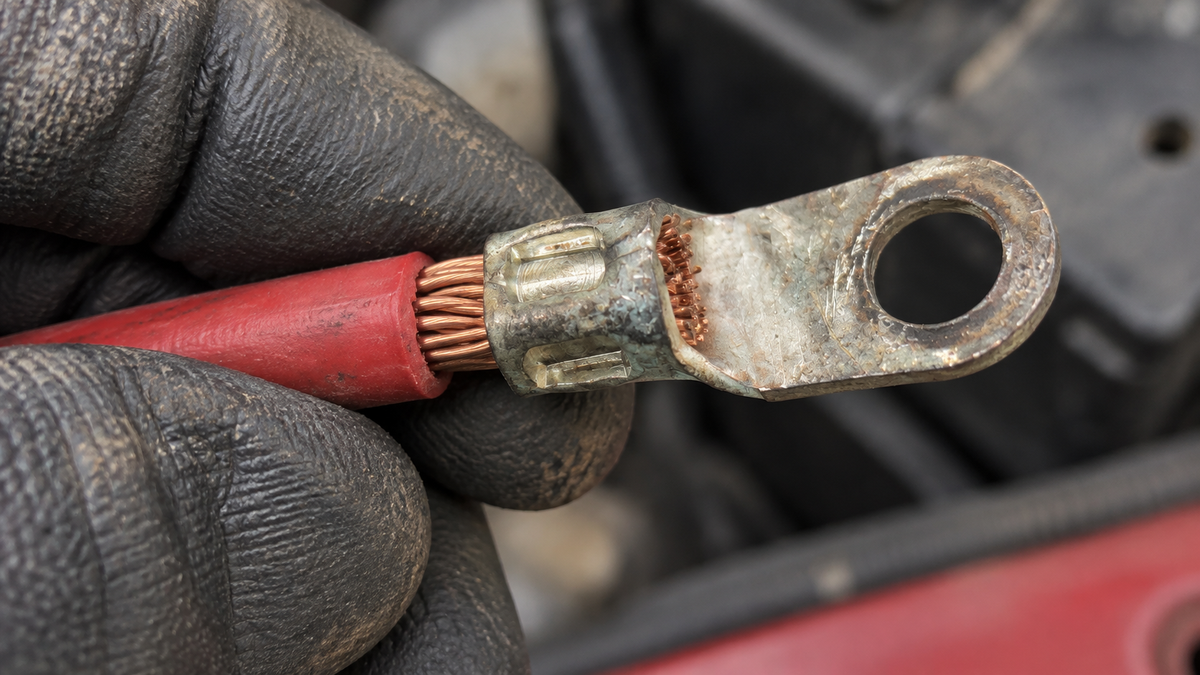
Warm plugs, discoloration, a melted housing, intermittent charging, or a voltage drop under load all warrant inspection.
Does cable length affect a 25A charging setup?
Yes. Longer cables can produce more voltage drop and heat unless they use an appropriately sized conductor.