
Your 12V LiFePO4 BMS stops charging for high voltage because it detected a voltage that could harm the cells and opened the charging circuit. Disconnect the charger, note the exact BMS warning, and compare the charger setting with the battery's specified charging range. If the setting is correct but the trip returns near full charge, one cell may be reaching its limit before the others and the battery needs closer inspection rather than a higher charging voltage.
What the high-voltage shutdown actually means
The battery management system, or BMS, watches the battery while it charges. It can block incoming current when the entire pack reaches its upper limit or when one monitored cell rises too high.
Those conditions can look identical from outside the battery. The charger may show “full,” its output may switch off, or the battery may appear to stop accepting current. After the charger is removed, the terminal voltage may fall and charging may work again for a short time.
That temporary recovery does not prove the problem is fixed. It only shows that voltage fell below the BMS release point. Repeatedly reconnecting the charger can produce the same trip again.
A percentage display alone is generally not enough to identify what triggered the shutdown. State of charge is an estimate, while a high-voltage warning is tied to a measured protection condition. Do not raise the charging voltage merely because an app still shows less than a full charge.
Find out whether the charger or one cell is reaching the limit

Start with the information available outside the sealed battery. Do not remove the case or bypass the BMS.
- Save the fault information. Record the warning name, battery voltage, charge current, and individual cell voltages only if your battery app actually provides them. Available fields vary by app and battery, so do not assume that every app exposes cell-level data or identifies the cause by itself. Take the readings when the trip occurs because the values can change after the battery rests.
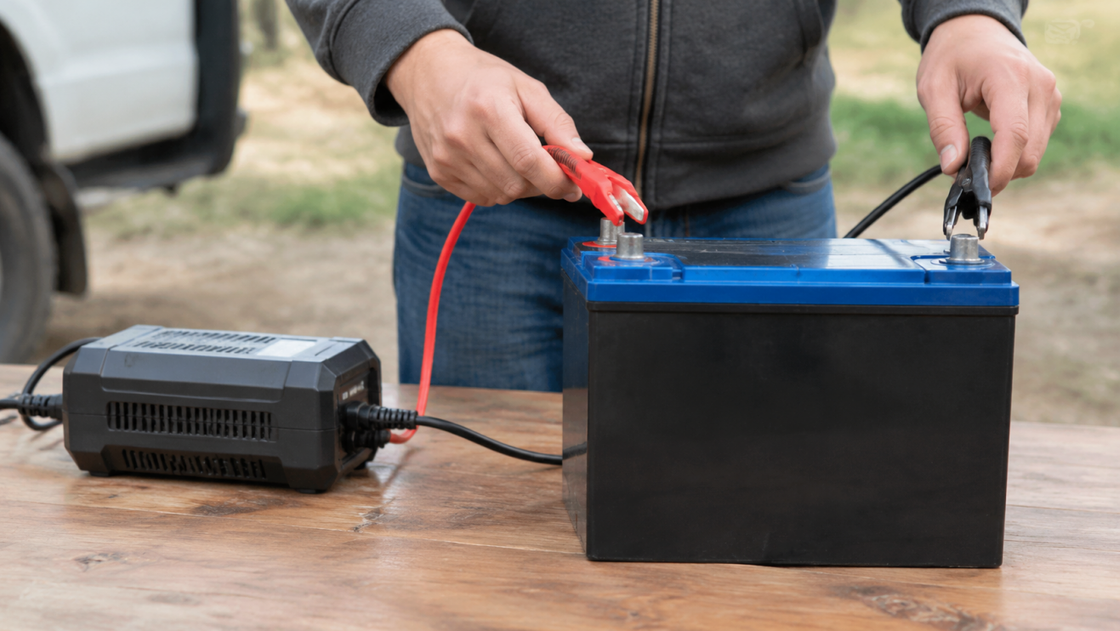
- Check every charging source. Confirm that the shore charger, solar controller, alternator charger, and inverter-charger all use the correct battery-bank voltage and a LiFePO4 profile. Disable lead-acid equalization and other settings not approved by the battery manufacturer.
- Compare the configured voltage with the battery manual. Use the range specified for that exact battery, not a setting copied from another 12V LiFePO4 model.
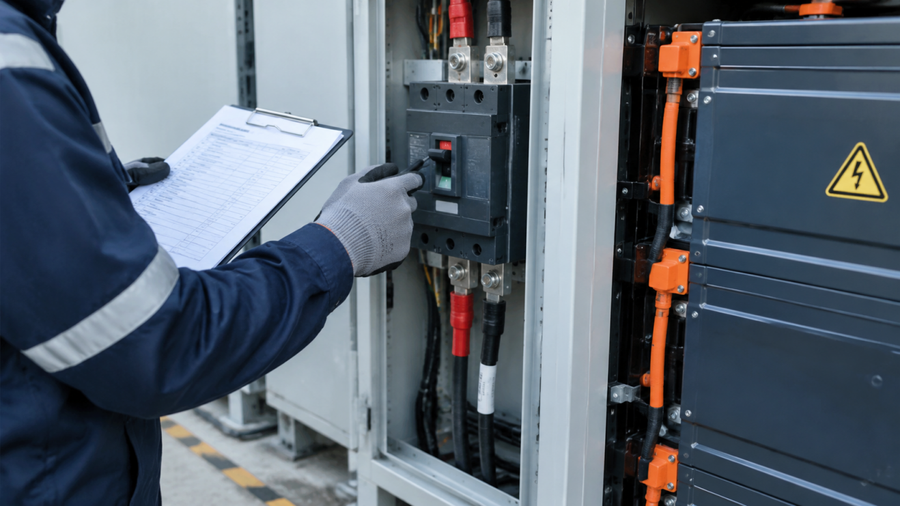
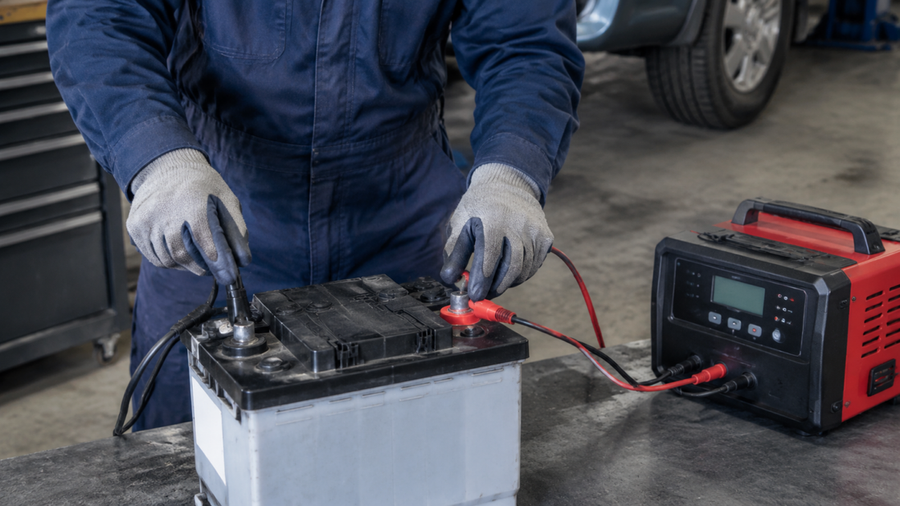
- Measure at the battery terminals while charging. A suitable meter can confirm whether the voltage at the battery agrees with the charger and app. If you are not trained to work around high-current battery terminals, have a qualified technician take this measurement.
The observation at the moment of shutdown points to the likely cause:
- Pack voltage is above the battery's allowed range: the charger profile, controller setting, system-voltage selection, or charging equipment is the first suspect.
- Pack voltage looks reasonable, but one cell is much higher than the others: the cells are likely out of balance, or one cell is losing capacity and reaching its upper limit early.
- The app reports high voltage, but an accurate terminal measurement does not agree: confirm the measurement location, meter, app connection, and exact fault code. A brief event may have cleared before you measured it.
- No high-voltage fault is stored: check whether charging actually stopped for temperature, charge-current, wiring, or charger-completion reasons instead. Similar symptoms do not always have the same cause.
Use the result to choose the immediate next step. Correct an out-of-range charger setting before charging again. If one cell repeatedly reaches its limit under approved settings, stop retrying and request guidance from the battery manufacturer. If the displayed warning and terminal measurement disagree, verify the measurement and exact warning before assigning a cause. Stop charging if the battery is swollen, leaking, unusually hot, damaged, or producing an unusual odor.
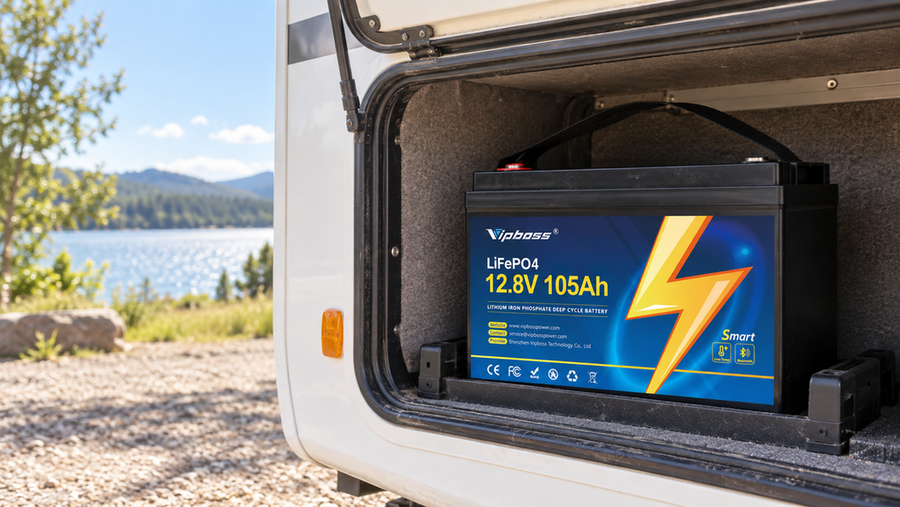
For the VIPBOSS 12V 105Ah Bluetooth battery, compare the configured charging voltage with this model's specified 14.2–14.6V charging range. That range is a charger-setting specification, not a published BMS trip or release threshold, and it should not be generalized to every 12V LiFePO4 battery. The Bluetooth app can provide only the status values and alerts the battery exposes; verify important readings at the terminals when appropriate. Replacing the battery does not correct an incorrectly configured charger.
If the battery instead has little or no terminal output after a low-voltage event, use the appropriate low-voltage BMS recovery procedure rather than treating it as a high-voltage charging fault.