
If an RV lithium battery will not fully charge on shore power, the fault is usually in one of four places: AC never reaches the converter, the converter is not producing an approved lithium charge, the DC path to the battery is open or resistive, or the battery's BMS is refusing charge. A fifth possibility is that charging is working but the state-of-charge display is configured incorrectly. Diagnose the path in that order instead of replacing the battery first.
Confirm that “not fully charged” is a real charging fault
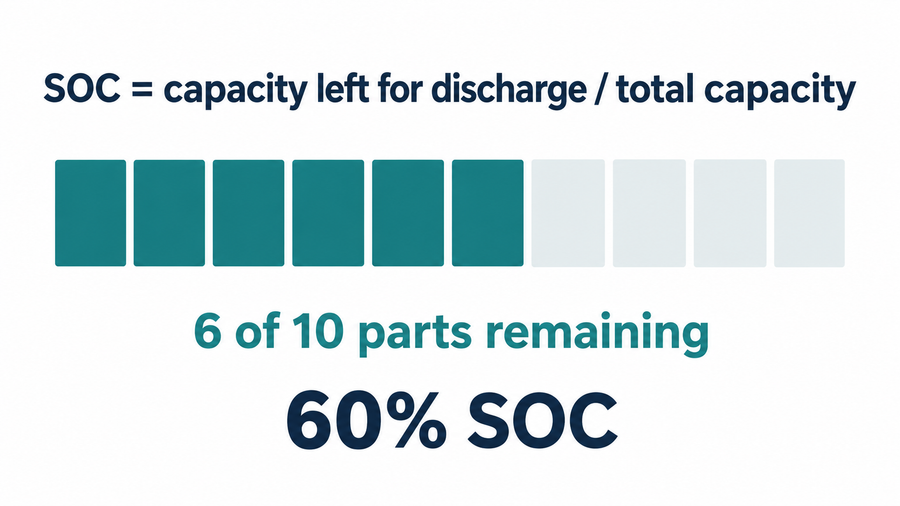
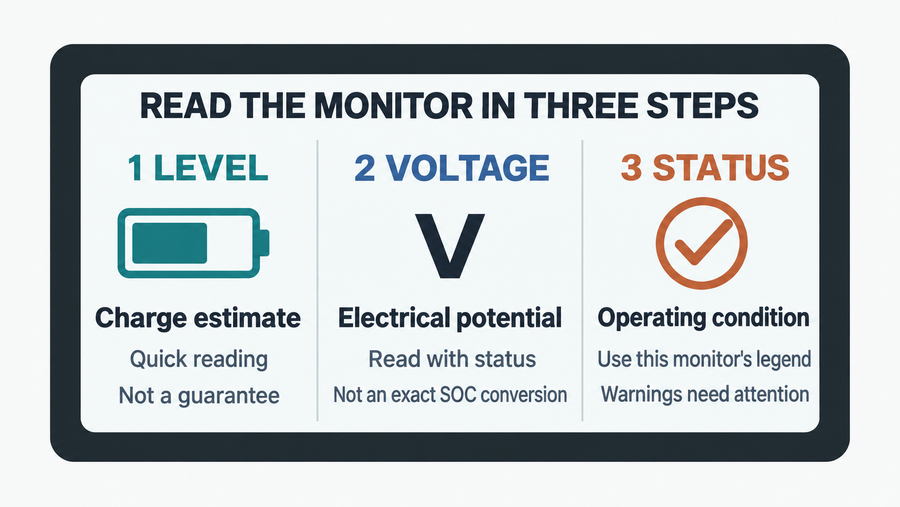
Write down what indicates the problem: a battery app, an external monitor, the RV panel, measured voltage, short runtime, or a charger error. These signals are not interchangeable. A monitor configured for the previous battery chemistry or capacity can display an incorrect percentage even while the battery is accepting charge.
Use the battery and monitor instructions to verify the displayed state of charge. Also note whether the percentage is rising, whether charging current is reported, and whether the battery stops at the same point each time. A stalled percentage with no charging current points to a different problem than a changing percentage that simply never reaches the display's “full” threshold.
Confirm that shore power reaches the converter
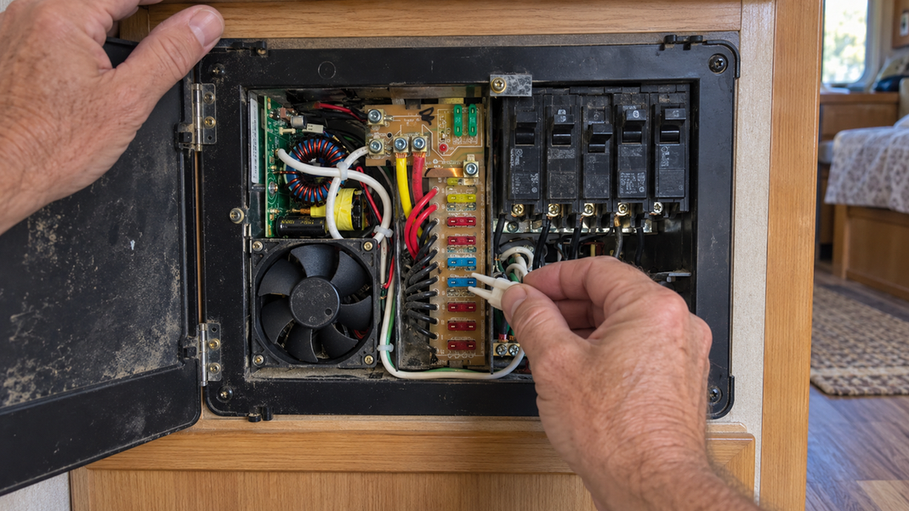
The RV can have working outlets while the house-battery charging path is open. With the RV safely connected, check the pedestal, shore cord, adapters, surge protector or energy-management system, and the breaker that feeds the converter or inverter-charger.
Next, check the converter's own status indicators or display. If it has no input or output indication, the problem is upstream of the battery. If the RV's 12-volt loads work but the battery does not gain charge, the converter may be powering the loads without sending current through the battery charging path.
| Observation | Next area to test |
|---|---|
| No converter input indication | Pedestal, cord, adapter, surge/energy-management device, and AC breaker |
| Converter has AC input but no DC charging output | Converter settings, fault status, or converter service |
| Correct output at converter but not at battery | Disconnect, fuse/breaker, positive cable, negative return, and terminals |
| Charging reaches battery but BMS blocks it | Battery temperature and the protection status reported by the battery |
| Battery reports charging but panel percentage stays wrong | Monitor chemistry, capacity, shunt wiring, and synchronization |
Check the lithium charging profile and battery path
A converter designed only for lead-acid charging may not use the charging profile required by a LiFePO4 battery. Confirm that the converter or inverter-charger supports lithium batteries and that its setting matches the battery maker's instructions. Do not substitute a voltage value from another battery manual.
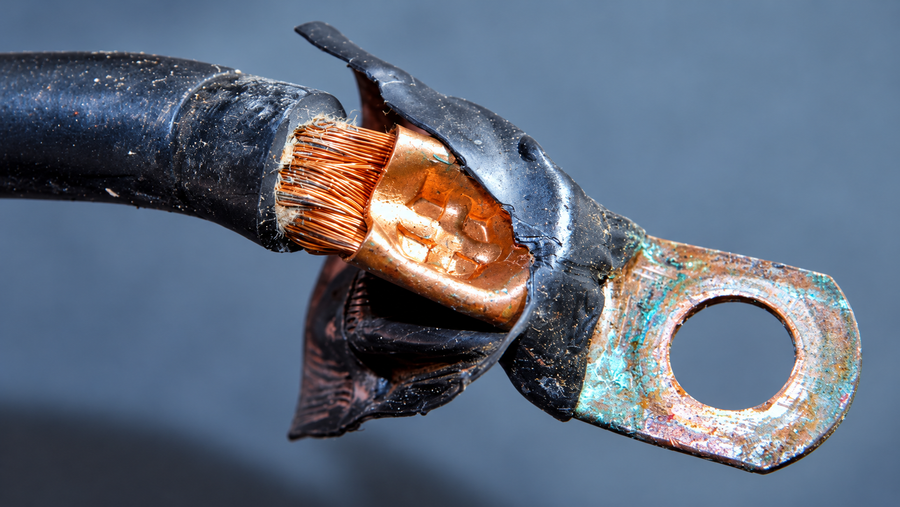
Then check the physical path with shore power disconnected and the system made safe: the battery disconnect switch, charge-line fuse or breaker, positive terminal, negative terminal, and ground connection. A loose terminal, open fuse, or disconnected ground can leave the RV apparently powered while preventing battery charging.
If you use a meter, compare the battery reading with shore power disconnected and again after the converter has had time to operate. A rising reading suggests that the charging path is active. No change points you back toward the converter, fuse, switch, wiring, or a battery protection event. Follow the RV and battery manuals for meter points and safe working procedures.

Check whether the battery is refusing charge
Use the battery monitor or Bluetooth app if the battery provides one. Look for a charging state, a low-temperature warning, an overvoltage or overcurrent warning, and any indication that the battery-management system has opened the charge path. Do not repeatedly force a reset when the cause is unknown.
Cold conditions matter. The supplied specifications for the Vipboss 12V 105Ah Bluetooth LiFePO4 battery state that charging stops below 32°F (0°C) and resumes at 41°F (5°C). In an RV, this low-temperature protection helps protect the battery while explaining why a functioning converter may not raise the state of charge on a cold morning. Check the Bluetooth app for the temperature or protection status before tracing a converter fault.
The same battery includes Bluetooth monitoring and a built-in 100A smart BMS. In this diagnosis, Bluetooth is useful because it can show whether the battery reports a temperature or protection condition while the converter is operating. It does not prove that the converter profile, fuse, disconnect, or wiring is correct.
Use the symptom to choose the next repair
If the converter has no AC input, restore the shore-power path or have a qualified RV technician inspect it. If it has AC input but no suitable DC output, the converter or its configuration is the leading suspect. If it has suitable output at the converter but not at the battery, trace the fuse, disconnect, positive cable, negative cable, and ground. A meaningful voltage difference between the converter end and battery end while charging points toward the connection path, but take measurements only at the points and by the procedure approved for the RV.
If the battery monitor shows a protection event, correct the condition identified by the battery manual before trying another charge. If the battery remains undercharged after the converter profile and wiring are confirmed, stop treating it as a simple shore-power problem. The battery, its cells, or its internal management system may need manufacturer or qualified-technician service.
If inspection reaches the lithium battery itself, follow the battery manufacturer's manual and have qualified personnel perform any internal service work.
Before requesting service, record the shore-power source, converter model and setting, converter status, battery temperature, app alert, charging current if available, and readings at the approved test points. Once the converter, lithium setting, disconnect, fuse, wiring, temperature condition, BMS status, and monitor configuration all check out, the remaining fault is narrow enough for a model-specific service diagnosis.